Microwave Keeps Running or Starts When the Door Is Open? What to Do
Microwave keeps running or starts with the door open? Stop using it. Learn what the door switches do, what is normal, and what to ask a technician.
On this page
A microwave should stop heating the instant its door opens. If yours keeps running, or turns on when you open the door, stop using it, unplug it or switch off its breaker, and have a technician check the door interlock switches and the control board. Do not test it by running it open, and do not open the case yourself.
You pull the door open and the microwave carries on. Or you open the door and it starts by itself. It is an unsettling thing to see in a machine that should not do either.
This guide explains what is likely happening, what can be normal, how to stay safe, and what to ask a repair person. It is written for safety first. The facts come from a manufacturer's own guidance, repair forum answers and technician replies, so where a point is a user report, we say so.
Stop using it first
Sub-Zero Wolf's own help page for a microwave that turns on when the door opens says to turn off power at the home circuit breaker, or unplug the unit, until it is repaired, and that running with the door open is a safety issue. Other manufacturers say a well-built microwave stops immediately when the door opens.
So the rule is simple. If it keeps going or starts with the door open, take it out of service now.
How a microwave knows the door is closed
A microwave does not just rely on one latch. It has several small switches, called door interlock switches, that confirm the door is shut before the magnetron can produce microwaves. In normal use:
- You close the door, which presses the switches.
- You press start. The control board checks the switches.
- Opening the door releases the switches, and power to the magnetron is cut.
If a switch sticks, breaks or is out of adjustment, or the board misreads it, the safety chain can fail.
What can cause the problem
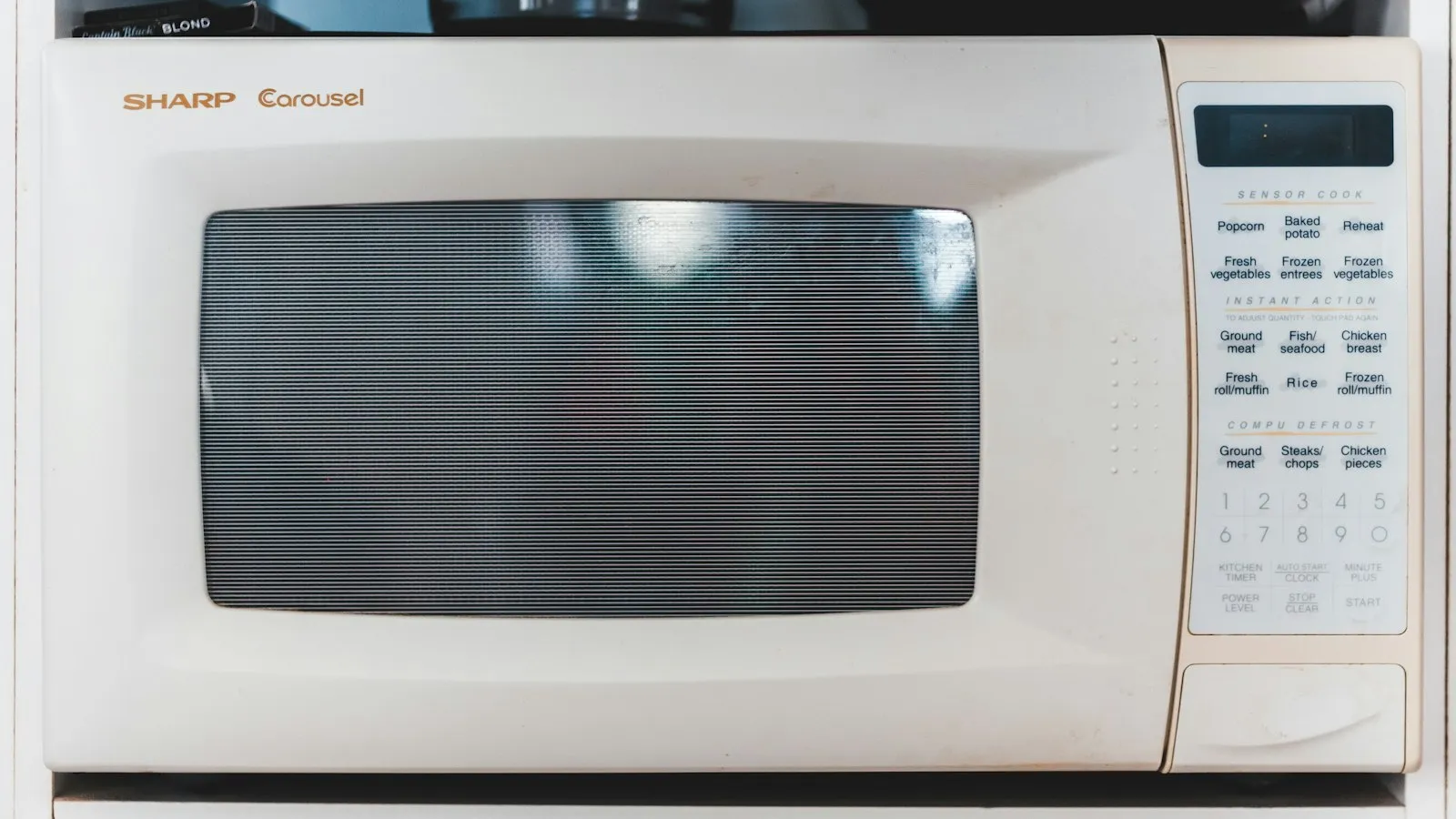
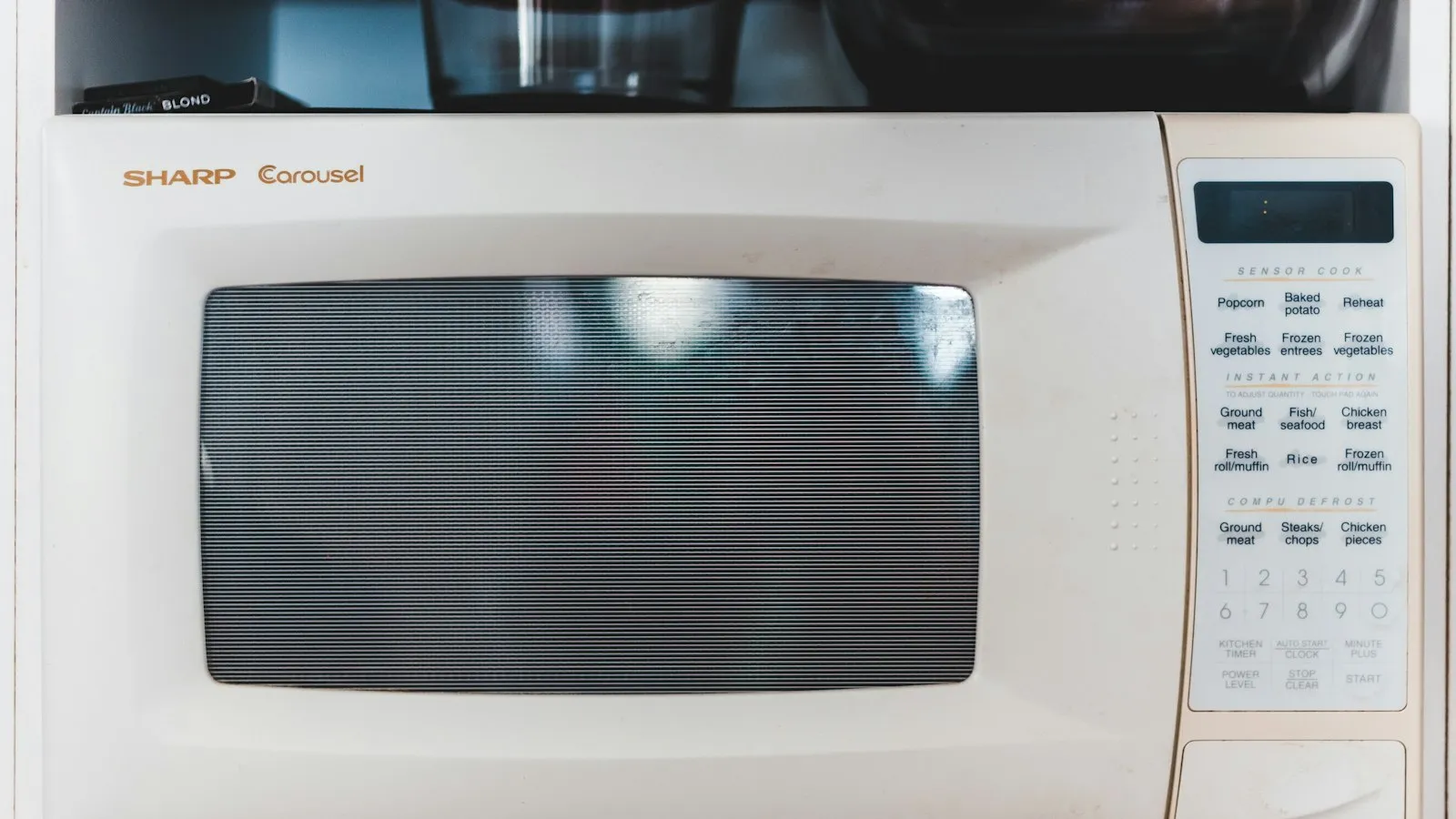
- A failed door interlock switch. This is the most common explanation. A repair answer for a Sharp model says that if the oven keeps operating with the door open but the light is off, one of the three door switches has probably failed or the display board is malfunctioning.
- A faulty control board. A technician says if the stop button does not respond and the unit keeps going until you open the door, the most likely cause is a faulty or damaged control board.
- A misaligned or damaged door. A bent hinge or latch may not press the switches properly.
- A stuck keypad or relay. Buttons that stay "pressed" can make the oven start.
You cannot tell which one is at fault just by looking.
What may be normal
Not every case is a failure. A forum discussion notes that the interior light, the fan or the turntable may run when the door is open, which can make it look as if the microwave is cooking when it isn't heating. Some models also keep a cooling fan running after a cycle.
A few clues that it may be normal:
- Only the light, fan or turntable moves. The display is not counting down a cook time.
- The food does not get hot.
- It happens only briefly after a cycle ends.
But you cannot be sure from the outside, so when in doubt, treat it as a fault. And never test it by putting food or a cup of water in and running it with the door open.
What not to do
- Do not run it with the door open to "see what happens."
- Do not stand close to the oven while it runs with the door open.
- Do not tape the door switch or hold the door shut with tape or a weight.
- Do not remove the outer cover. The high-voltage capacitor can store a dangerous charge, even after you unplug the unit.
- Do not try to bypass the interlock switches.
Safe things you can do
Keep the microwave unplugged while you do these.
- Look at the door. Check the latch, hinges and seal for damage, food buildup or a bent frame. Wipe the seal and the door frame with a damp cloth.
- Write down exactly what happened. Did it keep running after you opened the door, or start by itself? Did the display keep counting down? Was it only the light or the fan? A technician will ask.
- Find the model number. It is on a label inside the door frame or on the back. You will need it for a repair quote or a recall check.
Do not plug it back in to test it. A unit with a failed safety switch should not be run until it is repaired.
One Whirlpool owner reported that unplugging the microwave, opening the door and plugging it back in cleared the problem, and that cancelling the cook session did not help. That is one owner's temporary workaround, not a repair, and it still needs a technician.
When to call a technician
Call a factory-certified appliance technician if:
- The microwave keeps running or starts when the door opens.
- The display counts down or the magnetron hums while the door is open.
- The oven starts without anyone pressing a button.
- The door does not close firmly or looks bent.
- You see sparks, smell burning or hear loud buzzing. Unplug it at once.
Tell them the brand, the model number from the inside of the door or the back, and exactly what happens. Ask whether it is the door switches or the board, and what the repair costs.
Check your warranty first
Door switch and control board failures can be covered by the warranty. Check:
- The purchase date and the length of coverage.
- An extended plan from the store or your credit card.
- A recall. The maker's website lists recalls by model number.
If the unit is a built-in or over-the-range model, repair is more likely to be worth it, because replacing it means more work.
Repair or replace?
| Situation | Usually better |
|---|---|
| Countertop microwave, out of warranty | Replace. New units are inexpensive |
| Over-the-range or built-in, under warranty | Repair |
| Over-the-range, out of warranty, repair near the cost of a new one | Replace |
| Newer model with a known recall | Contact the maker |
Always get the repair quote before you decide.
If your microwave runs but does not heat, a different guide applies. See why a microwave may not be heating.
Which fix fits your situation?
- It keeps running after you open the door: unplug it and call a technician.
- It starts when you open the door: unplug it. This points to a switch or board fault.
- Only the light or fan runs, with no countdown: probably normal, but check the display.
- It runs when no one touches it: unplug it and have the board checked.
- It is under warranty: use the warranty before paying a repair person.
Bottom line
A microwave must stop the moment the door opens. If yours does not, take it out of service, keep it unplugged, and have a certified technician check the door interlock switches and the control board. Do not test it with the door open, do not open the case, and compare the repair quote with a replacement before you decide.
Sources
This guide was checked against these official and manufacturer sources.
Frequently asked questions
Is it dangerous if my microwave runs with the door open?
It can be. A microwave is designed to stop heating the moment the door opens. If it does not, a door switch or the control board has failed, and the manufacturer says to unplug it or turn off the breaker until it is repaired.
Why do the light or turntable run with the door open?
A forum discussion notes that the light, fan or turntable may run when the door is open, which gives the impression that the oven is running when it is not heating. That can be normal on some models, but if you are unsure, treat it as a fault and ask a technician.
What are door interlock switches?
They are small switches that tell the microwave whether the door is closed. A microwave usually has more than one. If one fails, the oven can keep operating, or start, when it should not.
Can I fix a microwave door switch myself?
Technicians warn against it. Microwave parts, including the capacitor, can hold a dangerous charge even when the unit is unplugged. Have a factory-certified technician do the repair.
Should I repair or replace it?
A countertop microwave is often cheaper to replace than to repair. A built-in or over-the-range model may be worth repairing, especially under warranty. Ask for a quote first.

Written by
Agha Ali Abbas
Agha Ali Abbas is the founder and editor of TimeToNote. He has worked in SEO and content writing for 18 years, and he checks every guide against manufacturer documentation and official sources before it goes live.
Related guides
Home Problems
Why Is My Microwave Not Heating? Causes, Safe Fixes, and When to Replace It
Microwave running but food stays cold? Learn the common causes, the safe fixes you can try yourself, and when it is time to repair or replace it.
8 min read
Home Problems
Why Is My Oven Smoking? 8 Causes and What to Do Right Now
Oven smoking when you preheat or cook? Find out if it is spilled grease, a new oven burn-off, or something unsafe, and what to do right now to fix it.
7 min read
Home Problems
Microwave Keeps Shutting Off? Causes, Safe Checks and When to Call a Pro
Microwave stops after a few seconds or minutes? Check the door, overheating, arcing and the humidity sensor, then know when the magnetron or board needs a technician.
6 min read
More guides you may need
Home Problems
Microwave Keeps Shutting Off? Causes, Safe Checks and When to Call a Pro
Microwave stops after a few seconds or minutes? Check the door, overheating, arcing and the humidity sensor, then know when the magnetron or board needs a technician.
6 min read
Home Problems
Microwave Sparking Inside? Causes and What to Do
Microwave sparking or arcing inside? Stop it, unplug it, then check for metal, a burnt waveguide cover or chipped paint. Learn what is safe to fix and what is not.
4 min read