Microwave Keeps Shutting Off? Causes, Safe Checks and When to Call a Pro
Microwave stops after a few seconds or minutes? Check the door, overheating, arcing and the humidity sensor, then know when the magnetron or board needs a technician.
On this page
A microwave that keeps shutting off is most often protecting itself. The usual causes are a worn or misaligned door switch, overheating from a failed cooling fan, arcing from food buildup or a damaged cavity, and a dirty humidity sensor. Unplug it, clean the inside and the waveguide cover, check the door closes firmly, and do not remove the case. A failing control board or magnetron needs a technician.
You press start and the microwave runs for a few seconds, or a minute or two, and then it quits. Sometimes it beeps. Sometimes the light and the display are still on, but the turntable has stopped and the food is lukewarm.
This guide explains the likely causes in the order repair technicians check them. It uses appliance repair guides and technician forum threads. Microwave repair involves high-voltage parts, so the guide separates what you can do safely from what you should not.
Safety first
- Unplug the microwave before you clean or inspect anything.
- Do not remove the outer case. The high-voltage capacitor can hold a dangerous charge even when unplugged.
- Never run the microwave empty, and never use metal or foil in it unless the manual says it is allowed.
- If you see sparks, smell burning or see smoke, stop and unplug it.
What the symptom tells you
| What happens | Likely cause |
|---|---|
| Shuts off within seconds of starting | Door switch, or arcing, or a control fault |
| Runs for a few minutes, then quits and is hot | Overheating, thermal cutoff, cooling fan |
| Sparks or crackling, then it stops | Arcing at the waveguide cover or cavity wall |
| Stops on sensor-cook or reheat modes only | Humidity sensor |
| Display works but nothing heats and it quits | Magnetron or control board |
Step 1: Check that the door closes firmly
A worn or misaligned door switch can make the microwave cut out soon after it starts. Repair sources list door switch alignment and faulty door switches as common causes.
- Open and shut the door a few times. It should latch with a firm click.
- Look for a bent hinge, cracked latch or food stuck in the latch area.
- Close the door and press gently on the door while the microwave runs for a few seconds with food or a cup of water inside. If pressing changes whether it runs, the switch or latch is the suspect.
Clean around the door seal and the latch with a damp cloth, then dry it. A technician can adjust or replace the switches.
Step 2: Clean for arcing
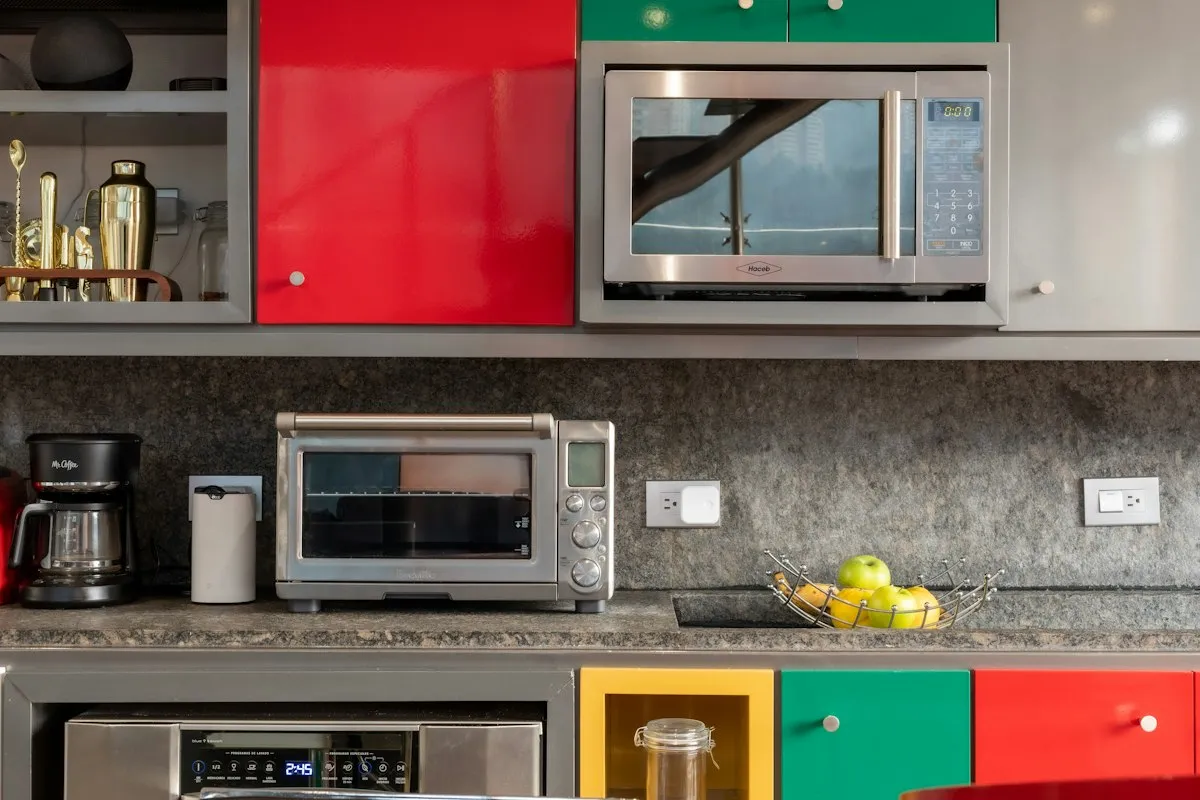
Arcing is sparking inside the cavity. Repair sources say chipped cavity walls or food buildup on the waveguide cover can cause arcing that triggers a protective shutdown, and they say to look for scorch marks on the cavity walls or the waveguide cover.
- Unplug the microwave.
- Find the waveguide cover. It is a small rectangular piece of mica or plastic on the inside wall, usually on the right side.
- Wipe away grease and food. If the cover is burned, cracked or has holes, it needs replacing. It is a cheap part.
- Look at the cavity for chips in the paint or bare metal. Damage on the inside wall can cause arcing.
- Check the turntable ring and the support for rust or damage.
Do not use the microwave if the cavity is damaged. A technician can tell you whether it is repairable.
Step 3: Think about overheating
Microwaves have a thermal cutoff that opens if the oven gets too hot. A repair source says a usual cause is a thermal cutoff opening early because a cooling fan has failed. Another user described a unit that shut down after a few minutes, which they suspected was overheating.
Things you can check safely:
- Ventilation. Make sure the vents on the back, sides and top are not blocked. Over-the-range models need clear air flow.
- Dust and grease on vents or filters. Clean the grease filter on an over-the-range model.
- Listen for the fan. Run the microwave for a few seconds. You should hear a fan. If you hear nothing, the fan may have failed.
- Do not run it for long on an empty cavity or a tiny load.
Replacing a fan or thermal cutoff involves the inside of the unit, so it is a technician job.
Step 4: Clean around the humidity sensor
Many microwaves have a sensor on the inner top wall for sensor cooking. One repair source says the fix is usually cleaning rather than a part, especially around the upper walls where the humidity sensor sits.
- Unplug the microwave and let it cool.
- Wipe the ceiling and upper walls with a damp cloth and a little mild dish soap.
- Dry thoroughly.
- Try it on a plain timed cycle and on a sensor cycle.
If the problem happens only on sensor modes, this is the likely cause.
Step 5: The control board or the magnetron
If cleaning and the door check do not help, the control board or the magnetron may be failing. Repair sources say these generally need professional repair. Clues include a display that behaves strangely, relays that click but nothing happens, a hum without heating, or a burning smell.
When to call a technician
Call a factory-certified appliance technician if:
- The microwave shuts off even after you cleaned it and checked the door.
- You see sparks or scorch marks you cannot clean.
- The unit smells hot or burned.
- The cooling fan does not run.
- The display or controls behave strangely.
Tell them the make and model (inside the door frame or on the back), how long it runs before stopping, and whether the problem happens on every mode.
Repair or replace?
| Situation | Often better |
|---|---|
| Countertop microwave, out of warranty | Replace |
| Over-the-range or built-in, under warranty | Repair |
| Over-the-range, out of warranty, repair near the cost of a new one | Replace |
| Door switch or waveguide cover only | Repair |
Check your warranty and any extended plan first, and get a written quote.
If your microwave runs but does not heat, see why a microwave may not heat. If the door will not stop it, read what to do when a microwave runs with the door open.
What not to do
- Do not remove the outer case or touch the capacitor.
- Do not bypass the door switches.
- Do not run it empty to test it.
- Do not use foil, metal trim or damaged dishes.
- Do not keep using a microwave that sparks.
Which fix fits your situation?
- Quits within seconds: door switch, then arcing and the waveguide cover.
- Quits after a few minutes and feels hot: ventilation and the cooling fan.
- Sparks: clean the cavity and waveguide cover, then call a technician.
- Only sensor modes fail: clean around the humidity sensor.
- Nothing helps: control board or magnetron, so call a technician.
Bottom line
Microwaves shut off to protect themselves. Check the door, clean the cavity and waveguide cover, keep the vents clear and wipe the humidity sensor area. Do not open the case, and leave the fan, magnetron and control board to a certified technician. Compare any repair quote with the price of a new unit. If your oven also smokes, see an oven that smokes.
Sources
This guide was checked against these official and manufacturer sources.
Frequently asked questions
Why does my microwave shut off after a few seconds?
Common causes are a misaligned or worn door switch, overheating from a failed cooling fan that trips the thermal cutoff, arcing from food buildup on the waveguide cover or damage to the cavity, a dirty humidity sensor, or a failing control board or magnetron.
What is arcing and why does it stop the microwave?
Arcing is sparking inside the cavity, often from food buildup on the waveguide cover or chipped paint or metal. Repair sources say it can trigger a protective shutdown. Look for scorch marks.
Can I clean my way out of the problem?
Sometimes. One repair source says the fix is often cleaning rather than a part, especially around the upper walls where the humidity sensor sits. Unplug the microwave and wipe the inside with a damp cloth.
Is it safe to open the microwave myself?
No. Microwave capacitors can hold a lethal charge even when unplugged. Do not remove the outer case. Leave anything behind it to a qualified technician.
Should I repair an old microwave?
Often a countertop microwave is cheaper to replace than to repair. A built-in or over-the-range model can be worth fixing, especially under warranty.

Written by
Agha Ali Abbas
Agha Ali Abbas is the founder and editor of TimeToNote. He has worked in SEO and content writing for 18 years, and he checks every guide against manufacturer documentation and official sources before it goes live.
Related guides
Home Problems
Microwave Keeps Running or Starts When the Door Is Open? What to Do
Microwave keeps running or starts with the door open? Stop using it. Learn what the door switches do, what is normal, and what to ask a technician.
6 min read
Home Problems
Why Is My Microwave Not Heating? Causes, Safe Fixes, and When to Replace It
Microwave running but food stays cold? Learn the common causes, the safe fixes you can try yourself, and when it is time to repair or replace it.
8 min read
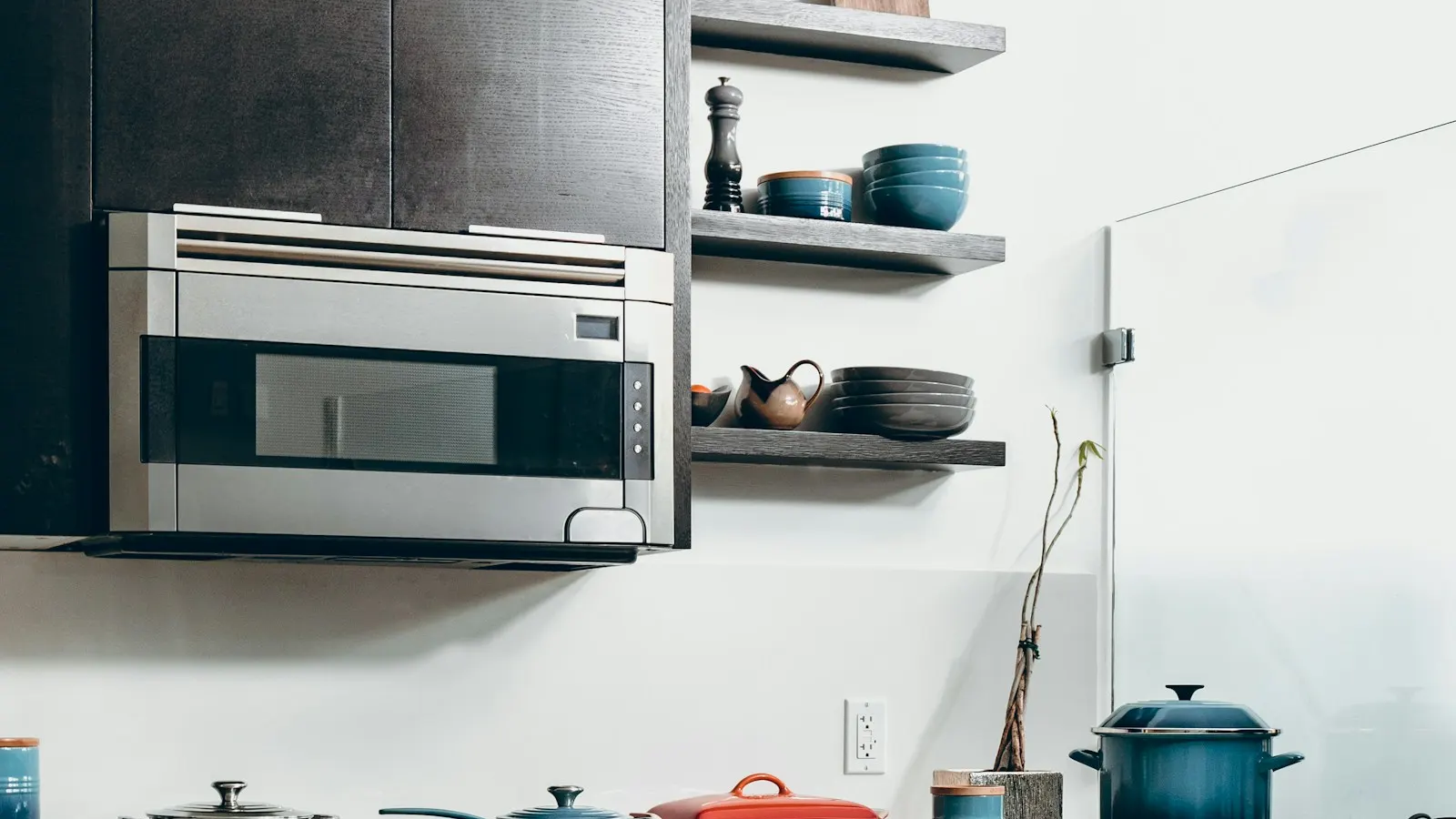
Home Problems
Why Is My Oven Smoking? 8 Causes and What to Do Right Now
Oven smoking when you preheat or cook? Find out if it is spilled grease, a new oven burn-off, or something unsafe, and what to do right now to fix it.
7 min read
More guides you may need
Home Problems
One Room Colder Than the Rest of the House? Causes and Fixes
One room always colder than the rest of the house? Blocked vents, duct leaks, missing insulation and drafts are the usual causes. Here are 9 fixes, cheapest first.
6 min read
Home Problems
Outdoor Outlet GFCI Keeps Tripping When It Rains? Causes and Fixes
Outdoor GFCI tripping every time it rains? Water is getting into a cover, a box or a cord. Here is how to find it, dry it out and when to call an electrician.
5 min read