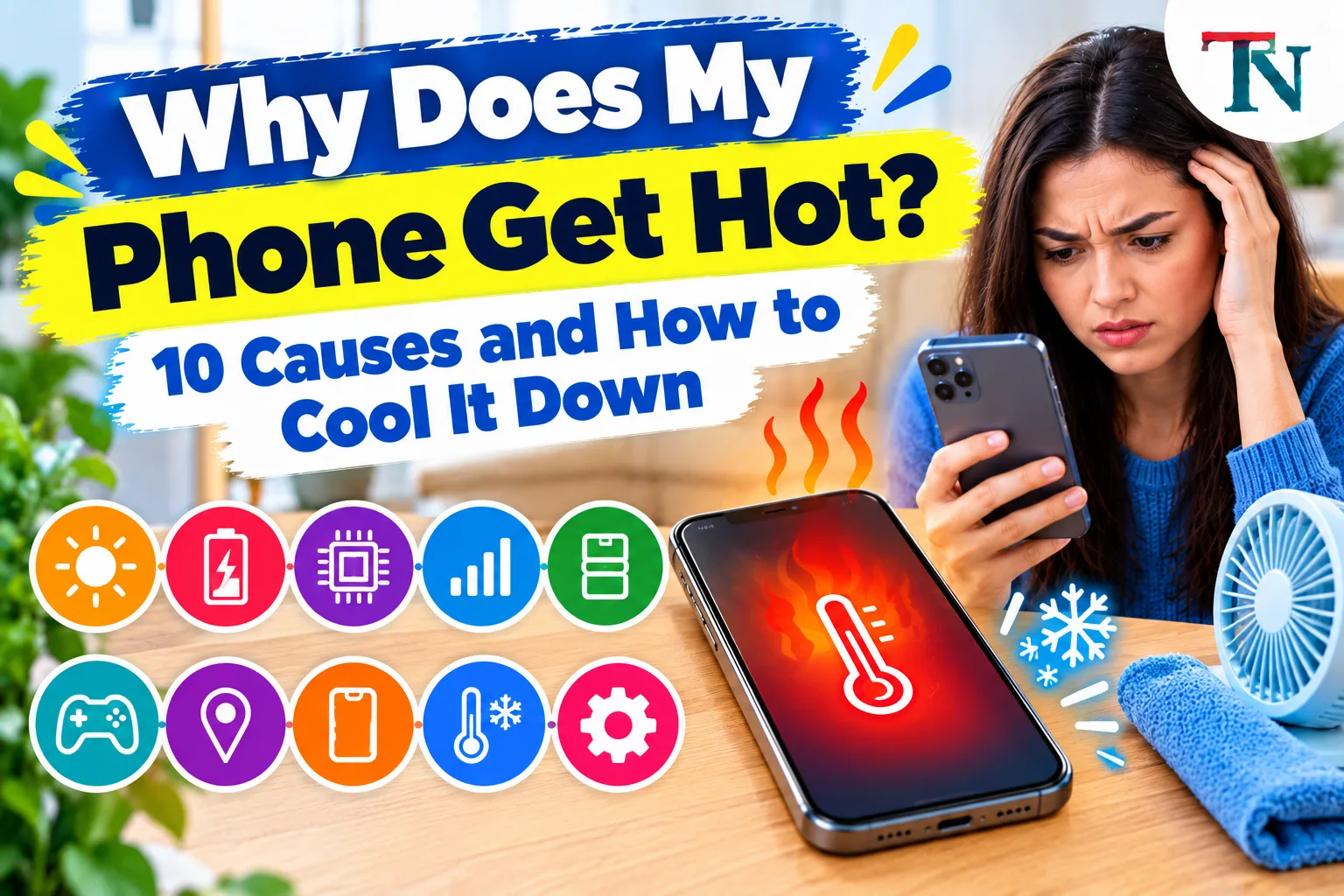
Why Does My Phone Get Hot? 10 Causes and How to Cool It Down
Is your phone getting hot? Learn the 10 most common reasons, how to cool it down safely in minutes, and when heat is a sign of a bigger problem.
On this page
Your phone gets hot because its battery and processor make heat when they work hard. Things like playing games, watching videos, using GPS, and charging all make your phone work harder. A little warmth is normal. But if your phone gets too hot to hold, something is making it work harder than it should, or heat has nowhere to go.
The most common causes are heavy use, charging, hot weather, a thick case, a weak signal, and apps running in the background. Most of these are easy to fix.
This guide explains why your phone is hot, how to cool it down safely, and when heat is a warning sign.
Is it normal for my phone to get warm?
Yes. Every phone makes some heat. Your phone has no fan like a computer does, so heat moves out through the back and sides. That is why your phone may feel warm in your hand.
Here is a simple way to tell normal warmth from a problem:
| Normal | Not normal |
|---|---|
| Warm while charging | Too hot to hold comfortably |
| Warm during games or videos | Hot while sitting unused |
| Warm after using GPS for a long time | Shows a temperature warning |
| Cools down within a few minutes | Stays hot for a long time |
| Warm on a hot day | Battery drains very fast and phone is hot |
If your phone matches the "not normal" side, keep reading to find the cause.
10 reasons your phone gets hot
1. You are using it for heavy tasks
Some activities make your phone work very hard. These include:
- Playing 3D games
- Streaming videos, especially in HD
- Video calls
- Recording long videos
- Using the camera for a long time
- Using GPS maps for directions
These tasks keep the processor busy and the screen bright, which uses a lot of power and makes heat. The longer you do them, the hotter your phone gets.
Fix: Take short breaks. Lower the screen brightness. Close the game or video app when you are done.
2. It is charging
Charging makes heat, and fast charging makes even more. Wireless charging also makes more heat than charging with a cable, because some energy turns into heat as it passes through the air gap.
Your phone gets even hotter if you play games or stream videos while it is charging. Now it is making heat from both charging and working hard.
Fix:
- Try not to use heavy apps while charging.
- Take the phone out of its case while it charges.
- Charge it on a hard, flat surface, not on a bed, pillow, or couch.
- Use the charger that came with your phone or one from a trusted brand.
On many phones, charging will slow down or pause when the phone gets too hot. That is a safety feature. If your phone is not charging at all, our guide on what to do when an iPhone won't charge walks through each fix.
3. It is in the sun or a hot place
Phones do not like heat from the outside. Leaving your phone in a hot car, on a sunny beach towel, or on a dashboard can heat it up fast. Even a sunny windowsill can make it hot.
Apple says iPhones work best when the air around them is between 32 and 95 degrees Fahrenheit. Above that, your phone may dim the screen, slow down, or show a warning until it cools off.
Fix: Keep your phone in the shade. Never leave it in a parked car on a warm day. If you use your phone for maps in the car, put it on a vent mount where cool air from the air conditioner can reach it.
4. Your case is trapping heat
Thick cases, especially rubber or leather ones, act like a blanket. They hold heat against your phone. This is extra true when you are charging or gaming.
Fix: Take off the case when your phone feels hot, when you charge it, or when you play games. If your phone often gets hot, try a thinner case.
5. Your signal is weak
When your phone has a weak signal, it has to work harder to stay connected. It raises its radio power to reach the cell tower. This uses more battery and makes more heat. You might notice this in a basement, an elevator, or out in the country.
Searching for a Wi-Fi signal all the time can do the same thing.
Fix:
- If you have strong Wi-Fi, connect to it and turn on Wi-Fi calling.
- If you have no signal at all, turn on airplane mode for a while.
- Move closer to a window or go outside for a better signal.
If your Wi-Fi at home is weak or slow, our guide on why your internet is so slow can help you speed it up.
6. Too many apps are running in the background
Some apps keep working even when you are not using them. They might be refreshing, syncing photos, checking your location, or downloading updates. All of this adds up and makes heat.
Fix:
- iPhone: Go to Settings > Battery to see which apps use the most battery. Turn off Background App Refresh for apps that do not need it in Settings > General > Background App Refresh.
- Android: Go to Settings > Battery (on some phones, Battery and device care) to see battery use by app. You can restrict background use for apps you do not need.
- Close apps you are not using.
7. An app is broken or buggy
Sometimes one app has a bug that makes it use the processor nonstop. Your phone may get hot even when you are not doing anything. The battery may also drain very fast.
Fix:
- Check the battery screen (see above) for an app using way more battery than normal.
- Force close that app.
- Update it from the App Store or Google Play.
- If the problem keeps happening, delete the app and reinstall it, or find a different app.
8. Your software is out of date
Phone makers fix bugs in software updates, including bugs that cause overheating or battery drain. If you have not updated your phone in a long time, you may be missing those fixes.
Fix:
- iPhone: Go to Settings > General > Software Update.
- Android: Go to Settings > System > Software update (the name may be a little different on your phone).
Good to know: Updates need free space to install. If your phone says there is not enough room, our guide on freeing up phone storage shows what to delete first.
Right after a big update, your phone may feel warm for a day or two. It is busy organizing photos, files, and apps in the background. This is normal and should stop on its own.
9. The battery is old or damaged
A worn battery can also make your phone shut off or restart on its own. Our guide on why a phone keeps restarting covers that problem.
Phone batteries wear out over time. An old battery can have trouble giving the phone steady power, which can make more heat. A damaged battery can get very hot, and it can swell up.
Signs of a worn-out battery:
- The battery dies much faster than it used to
- The phone shuts off suddenly, even with charge left
- The phone gets hot even with light use
- The screen or back looks like it is being pushed up
Fix: Check your battery health. On an iPhone, go to Settings > Battery > Battery Health (on some versions it is called Battery Health & Charging). On Android, many phones show battery health in Settings > Battery or in the maker's support app. If the battery is worn out, have it replaced by the phone maker or a trusted repair shop.
10. Your charger or cable is damaged or cheap
A cheap or damaged charger may not control the flow of power well. This can make your phone and the charger itself get very hot. It can also be a fire risk.
Fix:
- Look for frayed wires, bent plugs, or burn marks.
- Stop using any charger that gets very hot or smells strange.
- Use the charger from your phone's maker or a certified one from a trusted brand.
How to cool down your phone fast and safely
If your phone is hot right now, follow these steps:
- Stop what you are doing. Close games, videos, and the camera.
- Unplug it if it is charging.
- Take off the case.
- Move it to a cool, shaded place. Put it on a hard surface, like a table.
- Turn on airplane mode or turn the phone off for a few minutes.
- Lower the screen brightness.
- Let it rest for 10 to 15 minutes before you use it again.
Do not:
- Put it in the fridge or freezer. Cold air can cause water droplets to form inside, which can damage the phone.
- Put it in front of an air conditioner blowing icy air.
- Put it in water or use ice packs.
- Blow on the charging port or poke anything into it.
A fan blowing room-temperature air is fine and can help.
What happens when your phone gets too hot?
Phones are built to protect themselves. When they get too hot, you may notice:
- The screen gets dimmer
- The phone runs slower
- Charging slows down or stops
- The camera flash will not work
- A temperature warning covers the screen
On an iPhone, you may see a message that says the phone needs to cool down before you can use it. If your screen keeps getting darker for other reasons too, see why a phone screen keeps dimming. This is normal. Let it cool, and the phone will go back to normal.
If your phone gets too hot often, it can shorten the life of the battery. That is why it is worth fixing the cause.
How to keep your phone from overheating
Good habits can stop heat problems before they start:
- Keep it out of the sun and never leave it in a hot car.
- Use a thinner case, or take it off while gaming or charging.
- Charge on a hard surface, not on your bed.
- Do not game or stream while charging if you can wait.
- Keep your software and apps updated.
- Turn off features you are not using, like Bluetooth and location for apps that do not need it.
- Lower screen brightness or use auto-brightness.
- Delete apps you no longer use.
- Use a good charger and cable.
- Restart your phone once a week. This clears stuck apps and processes.
Why does my phone get hot and die fast?
When a phone gets hot and the battery drains quickly at the same time, something is using a lot of power. Common reasons are:
- A buggy app running nonstop in the background
- A weak signal making the phone search for service
- An old battery that cannot hold a charge
- A very bright screen
Check your battery screen to find the app using the most power. If no app stands out and your battery is old, it may be time for a new battery.
When to get your phone checked
Contact your phone maker or a trusted repair shop if:
- Your phone gets hot even when you are not using it
- It keeps overheating after you have tried the steps above
- The battery is swollen or the screen is lifting
- The phone shuts off by itself a lot
- It smells like burning or you see smoke
If your phone is under warranty or has insurance, a repair or battery replacement may be free or low cost.
Key points
Your phone gets hot because the battery and processor make heat when they work hard. Charging, gaming, videos, hot weather, thick cases, weak signals, and busy background apps are the most common reasons. To cool it down, stop using it, take off the case, and move it to a shady spot. Never put it in the fridge. If your phone stays hot for no reason, drains fast, or looks swollen, get it checked by a professional.
Related: a hot phone can also point to a bad app. See how to check an APK file for a virus.
Sources
This guide was checked against these official and manufacturer sources.
Frequently asked questions
Is it bad if my phone gets hot?
A phone that feels warm while charging, gaming, or streaming is normal. A phone that gets too hot to hold comfortably, shows a temperature warning, or gets hot while you are not using it is a problem. Too much heat can wear out the battery faster and, in rare cases, damage the phone.
Why does my phone get hot when charging?
Charging always makes some heat, and fast charging and wireless charging make more. Your phone can get extra hot if you use it while it charges, if it is in a thick case, if it is lying on a bed or pillow, or if the charger or cable is damaged or not certified.
Can I put my phone in the fridge to cool it down?
No. Putting a hot phone in the fridge or freezer can cause water droplets to form inside it, which can damage the parts. Instead, turn it off or stop using it, take off the case, and move it to a cool, shaded spot.
How hot is too hot for a phone?
Apple says iPhones work best when the air around them is between 32 and 95 degrees Fahrenheit (0 to 35 degrees Celsius). If your phone feels hot to the touch or shows a temperature warning, it is too hot and needs to cool down.

Written by
Agha Ali Abbas
Agha Ali Abbas is the founder and editor of TimeToNote. He has worked in SEO and content writing for 18 years, and he checks every guide against manufacturer documentation and official sources before it goes live.
Related guides
Tech Problems
iPhone Not Charging? 12 Easy Fixes That Work
iPhone won't charge, charges slowly, or stops at 80%? Try these 12 fixes in order, from checking the cable and cleaning the port to battery health.
8 min read

Tech Problems
Why Is My Phone Storage Full? How to Free Up Space on iPhone and Android
Phone storage full? See what is using up your space and free it up fast on iPhone or Android, without losing your photos, messages, or favorite apps.
8 min read
Tech Problems
Why Does My Phone Keep Restarting? 11 Causes and How to Fix It
iPhone or Android restarting on its own? Find out why, from buggy apps to a worn battery, and follow these simple steps to stop the restart loop.
8 min read
More guides you may need
Tech Problems
How to Update to iOS 27 on Your iPhone (and Fix Update Problems)
How to update your iPhone to iOS 27, which iPhones can get it, and what to do if the update is stuck, will not install, or needs more storage.
7 min read

Tech Problems
HP Printer Says Paper Jam but There Is No Jam? 8 Fixes
HP printer shows a paper jam error but you cannot find any paper? Reset the printer, check the paper path, clean the rollers and clear false jam errors.
8 min read