Why Does My Phone Screen Keep Dimming? How to Stop It on iPhone and Android
Phone screen getting darker by itself? Learn the common causes, from auto-brightness to heat, and the settings that stop it on iPhone and Android.
On this page
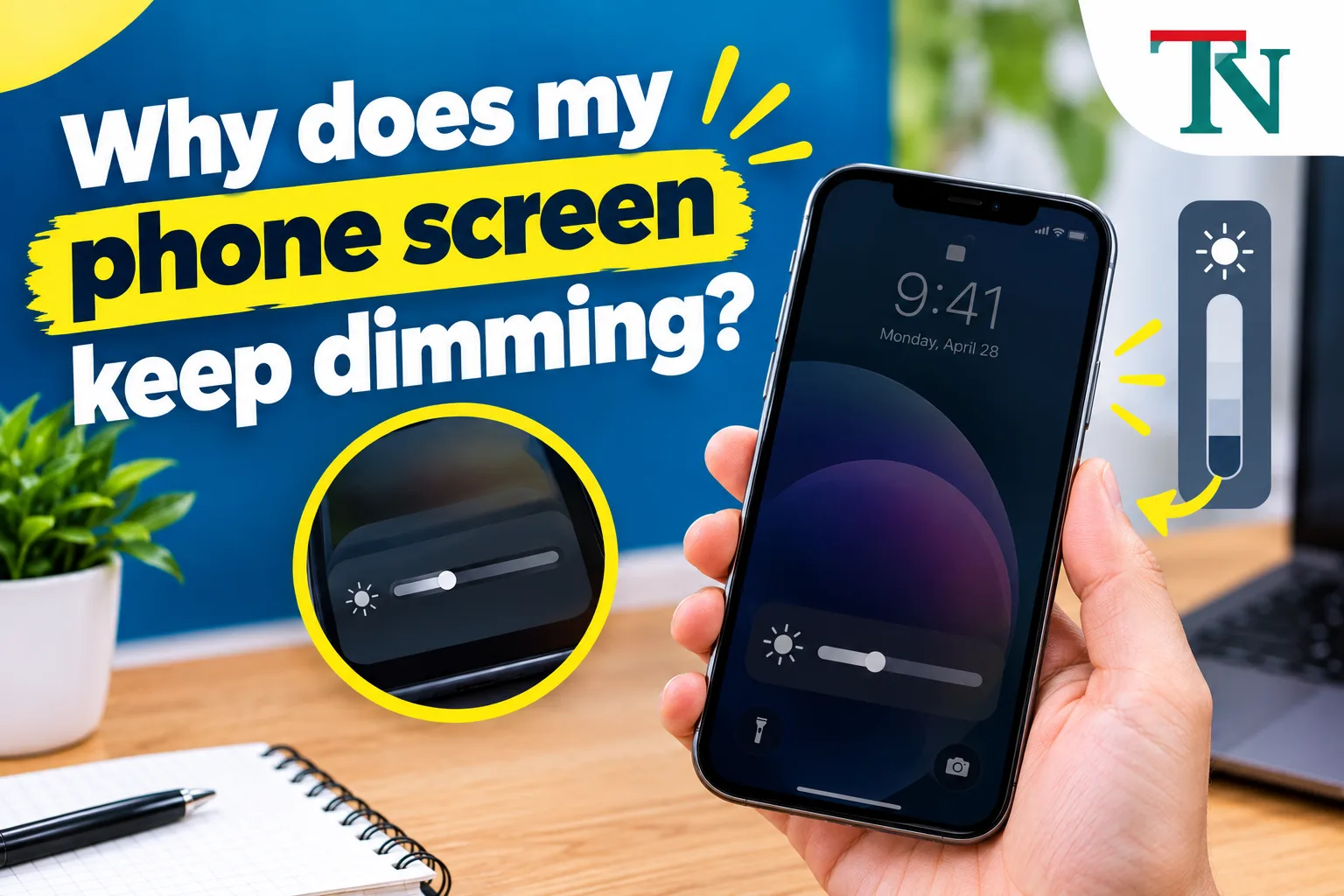
A phone screen keeps dimming by itself most often because of auto-brightness, power-saving modes, heat, or attention and screen timeout settings. These features change the brightness on purpose to save battery or protect the phone. A case or screen protector covering the light sensor can also make the phone think the room is dark.
The good news is that most dimming is caused by a setting you can change. Here is how to find the cause and fix it on iPhone and Android.
What kind of dimming do you see?
| What happens | Most likely cause |
|---|---|
| Brightness changes when you move to a darker or brighter place | Auto-brightness |
| Screen gets darker when the battery is low | Low Power Mode or power saving |
| Screen dims when the phone is hot, like in the sun or while gaming | Heat protection |
| Screen dims when you look away (iPhone with Face ID) | Attention Aware Features |
| Screen dims a few seconds before turning off | Screen timeout or auto-lock |
| Screen looks warmer or yellowish at night | Night Shift, Night Light, or True Tone (color, not brightness) |
| Screen flickers or dims randomly, even at full brightness | Possible hardware problem |
How to stop screen dimming on iPhone
1. Turn off auto-brightness
Go to Settings > Accessibility > Display & Text Size, scroll down, and turn off Auto-Brightness. Then set the brightness you want in Control Center.
Apple recommends keeping auto-brightness on to save battery, so you may want to turn it back on later.
2. Turn off Low Power Mode
Low Power Mode lowers brightness and other features to save battery. Go to Settings > Battery and turn off Low Power Mode, or charge your phone. The battery icon turns yellow when Low Power Mode is on.
3. Turn off Attention Aware Features
On iPhones with Face ID, the screen can dim when you are not looking at it. Go to Settings > Face ID & Passcode and turn off Attention Aware Features.
4. Check True Tone and Night Shift
These change the color of the screen, which can make it look dimmer.
- True Tone: Settings > Display & Brightness > True Tone
- Night Shift: Settings > Display & Brightness > Night Shift
5. Check Reduce White Point
This setting makes bright colors less intense. Go to Settings > Accessibility > Display & Text Size and turn off Reduce White Point.
6. Change Auto-Lock
If the screen dims right before it locks, go to Settings > Display & Brightness > Auto-Lock and choose a longer time.
How to stop screen dimming on Android
Menu names are a little different on each phone, but the settings are similar.
1. Turn off adaptive brightness
Go to Settings > Display and turn off Adaptive brightness (sometimes called Auto brightness).
2. Turn off power saving mode
Go to Settings > Battery (or Battery and device care) and turn off Power saving or Battery saver.
3. Turn off Extra dim
Some phones, including many Samsung and Pixel phones, have an Extra dim option in Settings > Accessibility or in Quick Settings. Make sure it is off.
4. Check screen timeout
Go to Settings > Display > Screen timeout and choose a longer time. Many phones dim the screen a few seconds before it turns off.
5. Check Eye comfort or Night Light
Eye comfort shield (Samsung) or Night Light (Pixel) make the screen warmer and can look dimmer. Find them in Settings > Display.
Why your phone dims when it gets hot
Your screen is one of the biggest sources of heat in your phone. When the phone gets too warm, it lowers the brightness to cool down. Apple says iPhones may dim the display when they get too hot, and they work best when the air around them is between 32° and 95°F.
Fix:
- Move the phone out of direct sunlight.
- Take off a thick case.
- Stop gaming or streaming for a while.
- Stop charging until it cools.
Brightness should return once the phone cools. Our guide on why phones overheat explains the common causes.
Check the light sensor
Your phone has a light sensor near the top of the screen, usually near the front camera. If something covers it, the phone thinks it is dark and lowers the brightness.
Fix:
- Clean the top of the screen.
- Make sure your screen protector does not cover the sensor area.
- Check that your case does not block the top edge.
Update and restart your phone
Software bugs can cause brightness problems. Restart your phone, then install any updates:
- iPhone: Settings > General > Software Update
- Android: Settings > System > Software update
When dimming is a hardware problem
If the screen dims or flickers even after you turn off all these features, and it is not hot, the display or its parts may be damaged. This is more likely after a drop or water damage. If your phone also shuts off or restarts on its own, see our guide on a phone that keeps restarting.
Contact the phone maker or a trusted repair shop, especially if the phone is under warranty.
Why phones dim on purpose
It helps to know why these features exist. The screen uses more battery than almost anything else on your phone. Auto-brightness, Low Power Mode, and screen timeout all save battery by keeping the screen only as bright as it needs to be. Heat protection keeps the battery and parts from damage. So instead of turning everything off, many people keep auto-brightness on and just turn off the one feature that bothers them.
Screen dims while watching videos
If your screen gets darker only when you watch videos, two things are common:
- HDR video. Many new phones show HDR videos brighter than normal. When the video ends, or after you watch for a long time, the screen goes back to normal brightness, which can look like dimming. Long HDR sessions can also make the phone warm, and the phone may lower brightness to cool down.
- App brightness settings. Some video apps have their own brightness control. Swipe up or down on the left side of the video in apps that support it, or check the app's settings.
On iPhone, you can lower HDR brightness in photos by going to Settings, then Photos, and turning off View Full HDR.
Screen goes dark during calls
This is normal. A proximity sensor near the top of the screen turns off the display when the phone is near your ear, so your cheek does not tap buttons. If the screen goes dark when the phone is not near your face:
- Remove the case and see if the problem stops.
- Check that your screen protector does not cover the sensor area at the top.
- Clean the top edge of the screen.
Always-On Display and Dark Mode
- Always-On Display dims the lock screen on purpose to save battery. That is not a fault. You can turn it off in your display settings.
- Dark Mode makes many apps look dimmer because the background is black. If the screen just feels dull, try Light Mode for a day and see if it helps.
Your phone may be learning the wrong brightness
On many Android phones, Adaptive brightness does more than react to light. It learns from how you move the brightness slider and copies your habits. If you often turn the screen down at night, it may start dimming more than you want during the day too.
To give it a fresh start:
- Turn Adaptive brightness off, wait a few seconds, and turn it back on.
- For a few days, adjust the slider to the level you actually want in different places, so it learns again.
- On some Pixel phones, you can fully reset it by clearing storage for Device Health Services in Settings > Apps, then tapping Reset adaptive brightness.
Older phones get a little dimmer over time
Most new phones use OLED screens. Their tiny lights slowly lose brightness after years of use, especially at full brightness. If your phone is several years old and looks dimmer at 100 percent than it used to, that may be normal aging, not a setting. Using Dark Mode and a shorter screen timeout helps the screen last longer.
In short
Most screen dimming comes from auto-brightness, power saving, heat, or attention and timeout settings. Turn off the feature causing it, keep the light sensor clear, and let a hot phone cool down. If the screen still dims or flickers after that, have it checked for a hardware problem.
Sources
This guide was checked against these official and manufacturer sources.
Frequently asked questions
Why does my iPhone keep dimming with auto-brightness off?
Other features can still dim the screen, such as Attention Aware Features on Face ID iPhones, Low Power Mode, and True Tone or Night Shift, which change screen color. Heat also dims the screen automatically to protect the phone.
Why does my phone screen get dark when it is hot?
Phones dim the screen when they get too warm, because the display makes a lot of heat. Once the phone cools down, full brightness usually comes back. Move it out of the sun and stop heavy apps to help it cool.
How do I stop my Samsung screen from dimming?
Turn off Adaptive brightness in Settings > Display, turn off Power saving mode, and check that Extra dim is off. Also check your Screen timeout setting, because many phones dim the screen shortly before it turns off.
Can a screen protector make my screen dim?
Yes, if it covers the light sensor near the top of the screen. The phone thinks the room is dark and lowers the brightness. A thick or dark case can do the same.

Written by
Agha Ali Abbas
Agha Ali Abbas is the founder and editor of TimeToNote. He has worked in SEO and content writing for 18 years, and he checks every guide against manufacturer documentation and official sources before it goes live.
Related guides
Tech Problems
Why Does My Phone Get Hot? 10 Causes and How to Cool It Down
Is your phone getting hot? Learn the 10 most common reasons, how to cool it down safely in minutes, and when heat is a sign of a bigger problem.
10 min read
Tech Problems
Why Does My Phone Keep Restarting? 11 Causes and How to Fix It
iPhone or Android restarting on its own? Find out why, from buggy apps to a worn battery, and follow these simple steps to stop the restart loop.
8 min read
Tech Problems
Why Is My Phone Storage Full? How to Free Up Space on iPhone and Android
Phone storage full? See what is using up your space and free it up fast on iPhone or Android, without losing your photos, messages, or favorite apps.
8 min read
More guides you may need
Tech Problems
Samsung TV Says Memory Full or Not Enough Storage? How to Free Up Space
Samsung TV says memory full or not enough storage and won't install apps? Delete apps, clear the cache, reset Smart Hub, or use a streaming stick instead.
6 min read
Tech Problems
Why Does My Bluetooth Keep Disconnecting? 12 Fixes That Work
Bluetooth headphones, speaker, or car keep cutting out? Learn the common causes and follow these simple fixes for iPhone, Android, Windows, and Mac.
8 min read