Electric Gate Not Working? Common Causes and Safe Fixes
Automatic gate will not open, close or take the remote? Check power, remote battery, safety sensors, obstructions and limit settings before calling an installer.

On this page
An electric gate that stops working is usually down to power, the remote, the safety sensors, something blocking or binding the gate, or its limit settings. Check the power and breaker, replace the remote battery, clean and realign the photo-eye sensors, clear the track, and move the gate by hand with the motor disconnected to see whether the problem is mechanical. Never bypass safety sensors, and call an installer for control board or motor faults.
The gate does nothing, or it opens and refuses to close, or it twitches and stops halfway. It is annoying, and when the gate guards a driveway, it can also be a security problem.
This guide goes through the causes in the order that gate installers and repair companies suggest. It starts with free checks and ends with the cases where you need a professional. Gate types and brands differ, so keep your manual handy.
Safety first
An automatic gate is heavy and powerful. Take these precautions before you test or repair anything:
- Keep children, pets and bystanders away from the gate while you work.
- Switch off the power and any battery or solar supply before reaching into the operator or the control box.
- Never stand in the path of the gate, and never put a hand in a hinge or track while the motor is connected.
- Do not disable or bypass safety sensors.
What the symptom tells you
| Symptom | Likely cause |
|---|---|
| Gate and remote both dead, no lights on the control box | Power: breaker, plug, fuse, or solar battery |
| Remote dead, keypad or wall button works | Remote battery or programming |
| Gate moves a little then stops or reverses | Obstruction, binding, or safety sensor |
| Opens but will not close | Safety sensor, limit setting, or the gate senses an obstruction |
| Stops at the same spot every time | Limit settings or a physical catch at that point |
| Works for a while, then fails until you cycle the power | Control board or wiring |
Step 1: Check the power
Start with the basics.
- Make sure the operator is plugged in and the outlet works.
- Check the circuit breaker for the gate. If it tripped, reset it once. If it trips again, stop and read the causes of a repeatedly tripping breaker.
- If the gate is solar powered, the battery or solar panel is a likely suspect. Look for a dirty or shaded panel, and check the battery voltage if you know how.
- Turn the main power switch on the operator off and on again. A source notes this alone can fix a stuck system.
- Check whether there was a power cut. A gate with no battery backup will not work without mains power, and our guide on a home power outage plan explains how to prepare.
Step 2: Check the remote, keypad or fob
- Replace the remote's battery. A sign of a dead battery is that the remote's light no longer flashes when you press the button.
- Try a second remote or the keypad. If another remote works, the first one is the problem.
- If the battery is fine, the remote may have lost its programming. Reprogram it following your gate's manual.
- Check the receiver's antenna and that nothing metal is blocking it.
Step 3: Clean and align the safety sensors
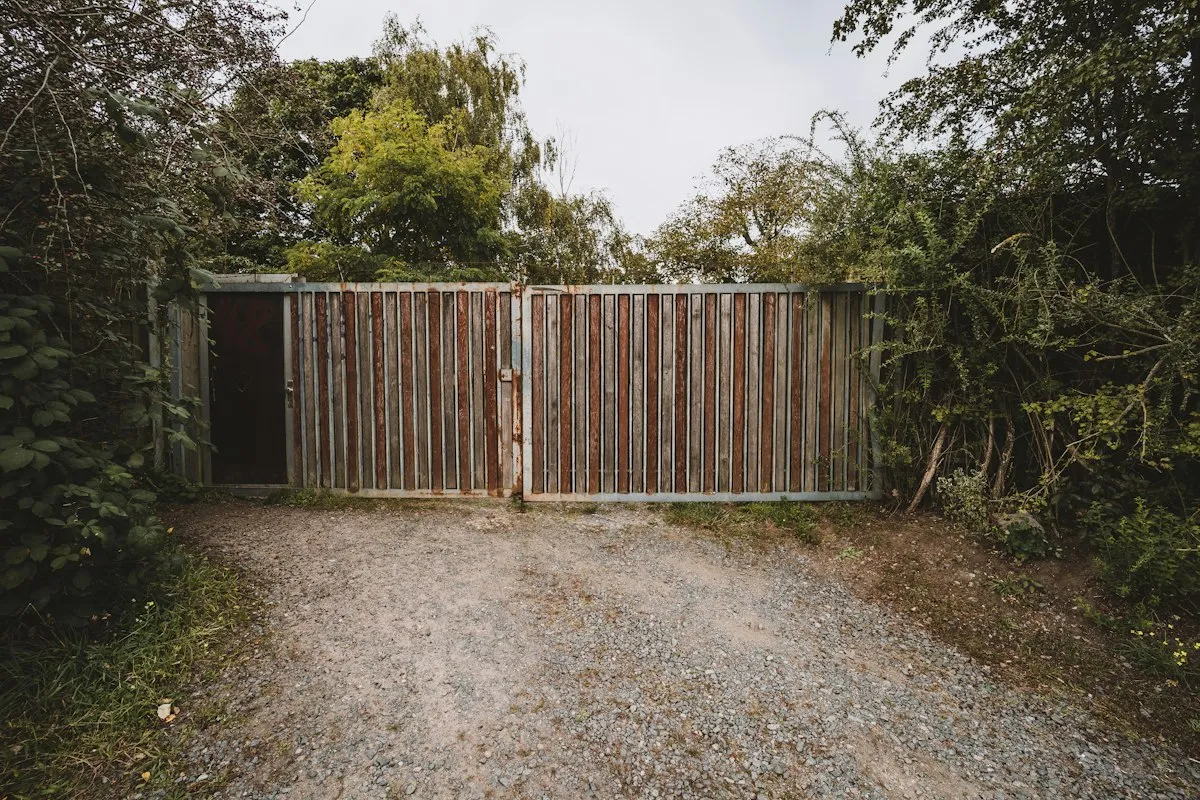
Photo-eye sensors send a beam across the gate's path. If the beam is blocked or the sensors are misaligned, dirty or damaged, the gate may refuse to move or may reverse.
- Wipe the lenses with a soft cloth.
- Make sure nothing, such as a plant, spider web, snow or a parked object, sits in the beam path.
- Check that the two sensors face each other and are firmly mounted.
- Look at the wires. Corroded sensor wiring is a common cause, and one forum user reported coating the connections with silicone grease to prevent corrosion.
- Many sensors have a small light that shows when they are aligned. Check your manual for what it means.
Step 4: Look for obstructions and binding
If the gate stops partway or struggles, the problem may be mechanical.
- Switch off the power, then disconnect the gate from the motor following your manual.
- Move the gate by hand along its full path.
- If it is hard to move, check for debris in the track, worn rollers, a bent section, a loose hinge or a gate that rubs on the ground.
A guide notes that if the gate is physically hard to slide by hand once disconnected, the problem is usually mechanical first, not electrical. Ground contact and binding are magnified by leverage, which makes the motor draw more current, and that can trigger its overload protection.
Fix what you find, then reconnect the motor and test again.
Step 5: Check the limit settings
Limit switches or settings tell the gate where to stop when opening and closing. If they are off:
- The gate may stop short of fully open or closed.
- It may stop at the same spot every time.
- It may think it has hit an obstruction and reverse.
One forum user found the gate was sensing an obstruction and fixed it by adjusting the curved arms on the motors. Adjusting limits and force settings varies a lot by brand, so follow the manual or ask the installer.
Step 6: Look for error codes and board faults
Many operators have a display or flashing lights that show a fault code. Write the code down and look it up in the manual.
If the gate works for a while and then fails until you cycle the power, the control board or wiring is a likelier cause than the motor. That is a job for the installer or manufacturer, and you should give them the model and the code.
In cold weather
Ice, frost and snow can block tracks, sensors and sliding gates. Clear them carefully, and do not force a frozen gate. Cold can also reduce battery capacity in solar and backup systems.
When to call an installer
Call a gate installer or the manufacturer if:
- The control board, motor or gearbox seems to have failed.
- The gate keeps tripping the breaker.
- The gate is bent, off its hinges or out of balance.
- Error codes you cannot clear keep returning.
- You are not comfortable working near the motor or wiring.
Tell them the brand, whether it is a swing or sliding gate, what it does (no movement, humming, stopping partway, opening only), and what you already tested.
What not to do
- Do not bypass or disable safety sensors.
- Do not force the gate open while the motor is connected.
- Do not use a larger fuse or breaker than specified.
- Do not touch wiring with the power on.
- Do not leave a malfunctioning gate in automatic mode with people or pets nearby.
Which fix fits your situation?
- No lights, no movement: power, breaker, plug, solar battery.
- Wall button works, remote does not: battery and programming.
- Stops or reverses: clean and align the sensors, then look for binding.
- Stops at the same spot: limit settings or a physical obstruction.
- Fails until power is cycled: control board, call the installer.
For another gate-like automatic system, our guide to why a garage door opener light will not turn off covers a common opener problem.
Bottom line
Check the power, the remote and the sensors first, then see whether the gate moves freely by hand. Fix mechanical binding and clean the photo-eyes before you assume the motor is bad. Keep every safety device in place, and call an installer for board, motor and limit faults.
Sources
This guide was checked against these official and manufacturer sources.
Frequently asked questions
Why will my electric gate not open?
Most failures come from power (an off breaker, unplugged operator or a dead solar battery), a dead or unprogrammed remote, misaligned or dirty safety sensors, an obstruction or binding gate, or limit settings that are off.
Why does my gate open but not close?
Often the safety sensors or limit settings. If the gate senses an obstruction, or a photo-eye is misaligned or dirty, it can refuse to close. One owner fixed it by adjusting the motor arms that were making the gate sense an obstruction.
How do I test whether the problem is electrical or mechanical?
Disconnect the gate from the motor, following your manual, and move it by hand. If it is hard to move, the problem is mechanical, such as debris in the track, worn rollers, a bent section or ground contact. Binding makes the motor draw more current and can trip its protection.
My remote does not work. Is the gate broken?
Probably not. Replace the remote battery first. If the remote's light no longer flashes, the battery is dead. If the battery is fine, the remote may have lost its programming and need to be reprogrammed from the manual.
Is it safe to bypass the safety sensors?
No. The sensors stop the gate if a person, child, pet or car is in the way. A gate can cause serious injury. Fix or replace the sensors instead of disabling them.

Written by
Agha Ali Abbas
Agha Ali Abbas is the founder and editor of TimeToNote. He has worked in SEO and content writing for 18 years, and he checks every guide against manufacturer documentation and official sources before it goes live.
Related guides

Home Problems
Why Won't My Garage Door Opener Light Turn Off? 7 Causes and Fixes
Garage door opener light stays on and will not turn off? Check the motion sensor, safety sensors, light timer and wall control before you call for repair.
8 min read
Home Problems
Why Does My Circuit Breaker Keep Tripping? 7 Causes and Safe Fixes
Why does your breaker keep tripping? Learn the 7 common causes, simple safe checks, and when to call an electrician. Easy steps for any home.
11 min read

Home Problems
What to Do in a Power Outage: Before, During and After
Power out? Learn what to do right away, how long food stays safe in the fridge and freezer, how to use a generator safely, and how to prepare for the next outage.
7 min read
More guides you may need

Home Problems
Bissell SpotClean Pet Pro Not Spraying? Causes and Fixes
Bissell SpotClean Pet Pro won't spray? Check the tank seating, the gasket, the nozzle and the trigger with these simple steps before you replace the machine.
4 min read
Home Problems
Ceiling Fan Keeps Turning On by Itself? Remote, Interference and Power Causes
Ceiling fan or its light starts on its own? Check the remote, matching DIP switches, a neighbor's remote, a power cut reset and the wall switch.
5 min read