Dishwasher Won't Start? No Lights, No Sound: Causes and Fixes
Dishwasher won't start or the panel is dead? Check power, the door latch, the control lock and a hard reset before you call for service. Steps for most brands.
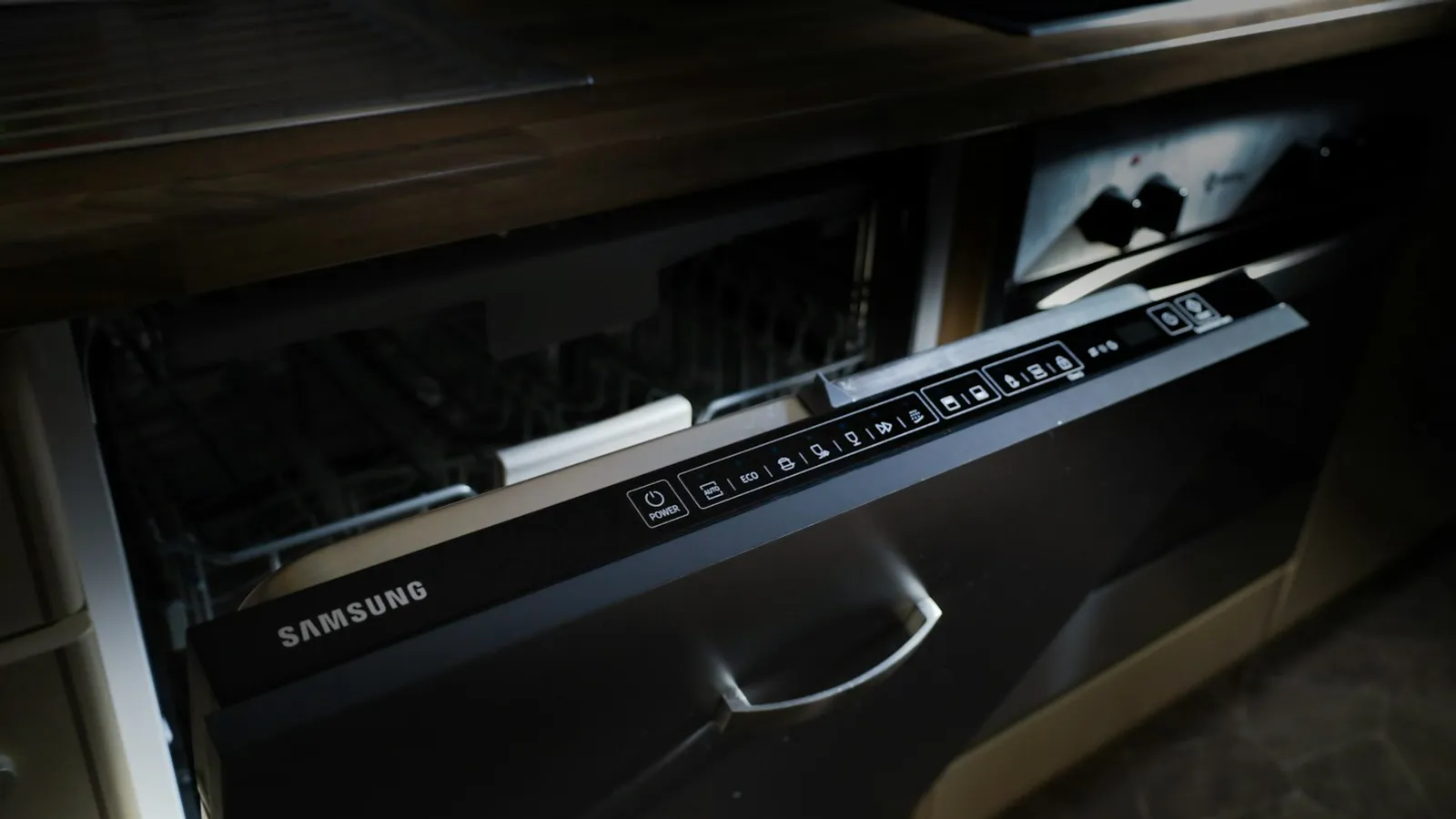
On this page
A dishwasher that will not start usually has no power, a door that is not latching, or a control lock or delay start that is switched on. Check the breaker and any GFCI, close the door until it clicks, turn off the lock, then reset the machine at the breaker. If the panel stays dead, a thermal fuse or control board may need service.
The right fix depends on whether the panel is dead or lit up. Start by working out which one you have.
Why won't my dishwasher start?
If the panel is completely dead (no lights, no sound):
- A tripped breaker or GFCI.
- A loose power connection, or a plug that is not fully seated if it is plugged in.
- A blown thermal fuse.
- A failed control board.
If the panel lights up but nothing starts:
- The door is not latching.
- The control lock (child lock) is on.
- A delay start is set.
- A cycle or the start button has not been pressed correctly.
- A stuck float switch, or a failing door latch switch.
- A water inlet valve or board fault.
Narrow it down
| What you see | Likely cause |
|---|---|
| No lights, no sound | Power, thermal fuse or control board |
| Lights on, door open | Door not closed or latch problem |
| Lock symbol on the panel | Control lock |
| Clock or "delay" light on | Delay start |
| Hums but does not fill or wash | Inlet valve or pump |
| Starts, then stops after a minute | Door switch, float or water supply |
How to fix it
- Check the breaker. Look in the panel and reset any tripped breaker. If a GFCI feeds the kitchen, press its reset. If it trips again right away, see a dishwasher that trips the breaker.
- Test the outlet. If the dishwasher plugs in under the sink, plug in a lamp or a charger to confirm the outlet works. Do not use an extension cord with a dishwasher.
- Close the door firmly. Push it shut until you hear a click. Check that nothing, such as a dish, the bottom rack or a spray arm, stops the latch from engaging.
- Turn off the control lock. Look for a lock light or symbol and hold the button your manual names for a few seconds.
- Cancel a delay start. If a delay light is on, press cancel or the start button as your manual directs.
- Reset the machine. Switch off the breaker for one to five minutes, then switch it back on. Some models also reset when you hold the start or cancel button, so check the manual.
- Check the cycle. Select a cycle, close the door and press Start within the time the manual allows.
- Listen for the latch. If the door closes but you never hear the latch click, or the latch feels loose, the latch assembly may be worn.
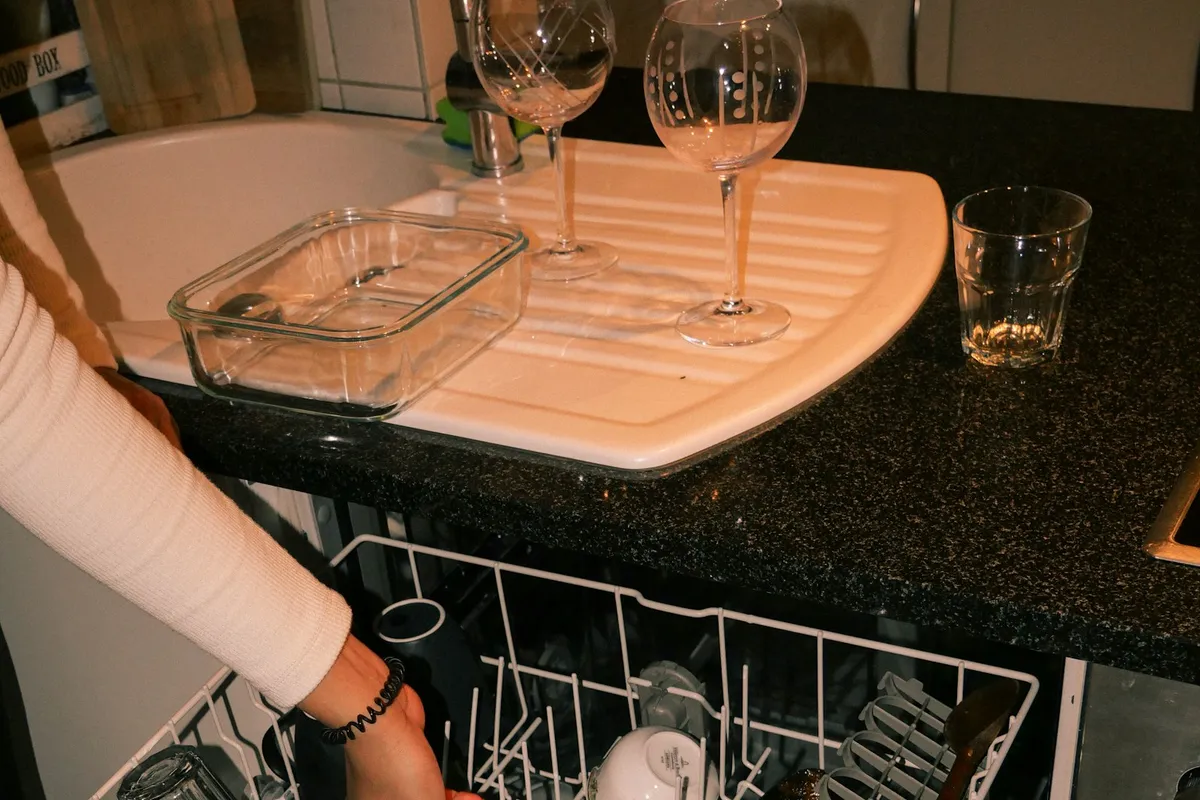
The thermal fuse and control board
If the panel is totally dead and the breaker and outlet are fine, the likely culprits are a thermal fuse or the control board. The thermal fuse is a safety part that blows if the machine overheats, and it does not reset. Replacing it fixes the symptom, but a technician should also find out why it blew. A control board is a bigger repair. If the dishwasher is more than 8 to 10 years old and needs a board, compare the quote with a new machine.
Latch and door switch problems
A latch that does not engage keeps the cycle from starting, because the machine will not run with the door open. Common signs are a door that does not click, a latch that is loose, or a cycle that starts only if you push on the door. Latch parts are usually inexpensive, and many people replace them with the power off. If the door itself is bent, or the hinges are worn, it will not seal well and may leak.
When to call a professional
Call an appliance technician if:
- The panel is dead and the breaker and outlet are fine.
- The breaker trips whenever you press Start.
- The panel is lit, but the machine hums and does nothing.
- You see scorch marks, melted plastic or smell burning.
- The machine starts, but fills with water on its own, as in a dishwasher that keeps filling.
What not to do
- Do not use an extension cord or a power strip.
- Do not force the door shut.
- Do not remove panels with the power on.
- Do not jump or bypass the door switch.
Bottom line
Check power first, then the door, the lock and the reset. Those steps fix most no-start problems. If the panel is dead after that, the thermal fuse or board needs a technician. If your machine starts by itself instead, read why a dishwasher turns on by itself. If it starts but will not empty, see a dishwasher that is not draining.
Sources
This guide was checked against these official and manufacturer sources.
Frequently asked questions
Why won't my dishwasher start even though the door is closed?
The latch may not be engaging, the control lock may be on, or a delay start is set. A worn latch switch is a common cause on older machines.
How do I reset a dishwasher?
Switch it off at the breaker for one to five minutes, then turn it back on. Some models also have a reset by holding a button, so check your manual.
Why is my dishwasher dead with no lights?
A tripped breaker or GFCI, a loose connection, a blown thermal fuse or a failed control board are the usual causes.
Can a thermal fuse stop a dishwasher from starting?
Yes. It cuts power if the machine overheats, and it does not reset on its own. A technician needs to replace it, and find out why it blew.

Written by
Agha Ali Abbas
Agha Ali Abbas is the founder and editor of TimeToNote. He has worked in SEO and content writing for 18 years, and he checks every guide against manufacturer documentation and official sources before it goes live.
Related guides
Home Problems
Dishwasher Keeps Tripping the Breaker? Causes and Fixes
Dishwasher tripping the breaker? Find out whether it's a shared circuit, a leak or a failed heating element, and which checks are safe to do yourself.
5 min read
Home Problems
Dishwasher Turns On by Itself? Why It Happens and How to Stop It
Dishwasher starts on its own? Check touchy controls, a stuck button, a delay setting, a leak error or a failing control board. Safe steps and when to call a tech.
6 min read
Home Problems
Dishwasher Keeps Filling With Water? Causes and What to Do Right Away
Dishwasher will not stop filling or fills when off? Shut off the water first, then check the inlet valve, float and drain hose. Safe steps and when to call a pro.
6 min read
More guides you may need
Home Problems
Why Does My Laundry Room Smell? Musty, Sewer and Rotten Egg Causes
Laundry room smells like sewage, mildew or rotten eggs? Check the dry drain trap, the washer, the lint and the ventilation in this order to find the cause.
4 min read

Home Problems
Why Is My Keurig Not Brewing? 9 Fixes for Little or No Coffee
Keurig not brewing or only half a cup? Fix air locks, clogged needles, scale, and water level errors with 9 steps, plus how to descale and when to replace it.
7 min read