Dishwasher Turns On by Itself? Why It Happens and How to Stop It
Dishwasher starts on its own? Check touchy controls, a stuck button, a delay setting, a leak error or a failing control board. Safe steps and when to call a tech.
On this page
A dishwasher that starts by itself usually has an oversensitive or sticky control panel, a stuck key, a delay setting, a leak error or standing water that the drain pump is clearing, or a failing control board. Wipe the panel, check for a delay setting and error codes, look for water in the tub, and reset the power for five minutes. If it keeps happening, switch it off at the breaker and call a technician.
You hear the dishwasher running and nobody started it. Or you find it halfway through a cycle in the middle of the night. It is a creepy, wasteful problem, and it is not always harmless, since a machine that runs unattended can waste water or hide a leak.
This guide goes from the easiest checks to the likely parts. It uses manufacturer help pages from Samsung and Sub-Zero Wolf, and appliance repair forums. Models differ, so check your manual for the exact controls and error codes.
What the symptom tells you
| What you notice | Likely cause |
|---|---|
| Starts after you load or unload it, once the door is closed | Touch controls triggered while you handled the panel |
| Starts at a set time | A delay or scheduled start setting |
| Runs for a short time and stops, with standing water inside | Drain pump clearing water |
| An error code on the display | Leak or sensor error |
| Starts at random, with no pattern | Control board, keypad or wiring |
Step 1: Look at the panel and the buttons
Touch panels and membrane keypads can start a cycle when brushed or when wet.
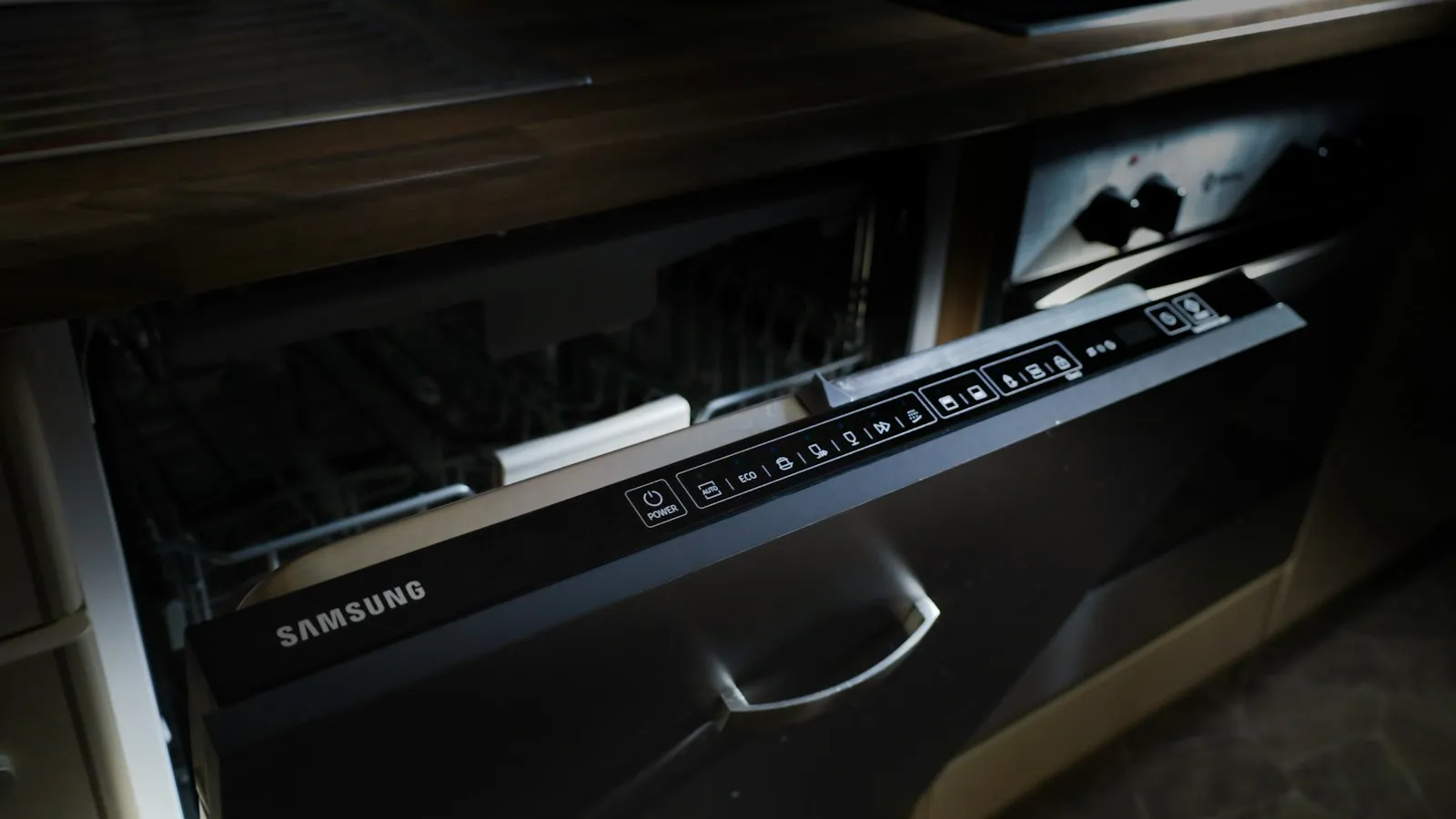
- Samsung says its capacitive buttons are very sensitive. Brushing the panel while you load or unload can start a cycle, and the dishwasher will start by itself once the door is closed.
- Press each button and make sure none feels stuck or stays down. A stuck or unresponsive key is a common cause of random starts.
- Check for moisture or residue on the panel. Samsung notes that buildup can make buttons misbehave.
With the power off, wipe the panel with a soft, damp cloth and dry it. Do not spray liquid on the controls.
Step 2: Check the delay and cycle settings
Many dishwashers have a Delay Start or timed start. An accidental press can set it for several hours later, and the machine will then seem to start by itself.
- Open the door and look at the display. If it shows a time or a delay icon, cancel it using the instructions in your manual.
- Check whether a "heated dry," "sanitize" or "extended" option has been selected. These do not start the machine by themselves, but they can make it run longer than you expected.
- Some models have a child lock. Turning it on stops accidental presses.
Step 3: Look for error codes and standing water
- Error code. Samsung says a leakage error can switch the unit on, and it may not stop while the dishwasher is trying to drain. If the display shows a code, look it up in your manual and address that first.
- Standing water. Sub-Zero Wolf says the drain pump may run to clear standing water. Open the door and check the bottom of the tub. If there is water that should not be there, you may have a drain problem. See why a dishwasher will not drain.
- A leak. Look under the sink and under the dishwasher for water. A leak can set off a protection mode that runs the pump.
If there is water on the floor, stop and turn off the water supply and power. If a dishwasher also keeps filling, read why a dishwasher keeps filling with water.
Step 4: Reset the electronics
A forum reply suggests unplugging the dishwasher, or switching off its breaker, for about five minutes to reset the control board. Then restore power and see whether the problem returns. This clears a glitch but will not repair a failing board. Another forum thread says the same trick sometimes buys a few days or weeks.
Step 5: Suspect the control board or keypad
If the machine still starts on its own after the checks above, the control board or the keypad is likely failing. One forum thread suggested disconnecting the keypad and seeing whether the unit still starts, which would point to the keypad. The same thread cautioned that this was a guess and not a confirmed cause.
A technician can test the board and keypad and tell you which part has failed. It is worth asking for a quote before you buy parts, since boards can cost a lot and you can end up replacing the wrong one.
Protect your home while you wait
- Switch the dishwasher off at its breaker when you leave the house or go to sleep, if it keeps starting on its own.
- If it has started with the door open or while water is on the floor, shut off the water supply under the sink.
- Watch for a leak, a burning smell or an odd sound. Any of those means switch it off and call a technician.
- If the breaker keeps tripping, see a breaker that trips repeatedly.
When to call a technician
Call an appliance technician if:
- The dishwasher still starts on its own after cleaning the panel and resetting it.
- An error code keeps coming back.
- You find water you cannot explain.
- The machine runs with the door open.
- You smell burning or see melted plastic.
Tell them the make and model, any error code, and whether it starts at the same time each day.
Repair or replace?
| Situation | Often better |
|---|---|
| Keypad or panel on a newer dishwasher | Repair, especially if it is under warranty |
| Control board on an older dishwasher | Get a quote and compare with a new one |
| Dishwasher is old and has other problems | Replace |
Check your warranty first. Control-board failures are sometimes covered.
What not to do
- Do not tape over buttons or hold them with a weight.
- Do not run the dishwasher with the door open.
- Do not spray cleaner on the control panel.
- Do not ignore water on the floor.
- Do not open the control panel with the power on.
Which fix fits your situation?
- It starts after you touch the panel: the controls are too sensitive. Clean the panel and use a child lock if you have one.
- It starts at the same time every day: a delay or timed setting.
- It runs briefly with water in the tub: the drain pump.
- It shows an error code: look up the code.
- Nothing explains it: reset, then call a technician.
Bottom line
Most dishwashers that start by themselves have oversensitive controls, a delay setting, a drain pump clearing water or a leak error. Clean the panel, check for settings, codes and water, and reset the power. If it still starts alone, the control board or keypad needs a technician.
Sources
This guide was checked against these official and manufacturer sources.
Frequently asked questions
Why does my dishwasher start by itself?
Common causes are touch buttons so sensitive that brushing the panel starts a cycle, a stuck key or an accidental delay setting, a leak error that switches the unit on, a drain pump running to clear standing water, and a failing control board or keypad.
Can the drain pump make the dishwasher run on its own?
Yes. Sub-Zero Wolf says the drain pump may run to clear standing water, so check the bottom of the tub for water. Samsung also says a leakage error can switch the unit on and keep it running while it tries to drain.
Will unplugging it for a few minutes help?
Forum replies suggest unplugging the dishwasher or switching off its breaker for about five minutes to reset the electronics. It can clear a glitch, but it is not a fix for a failing board.
Is it dangerous if my dishwasher starts when no one is home?
It can be if there is a leak or if the door is not shut properly. If it keeps happening, switch it off at the breaker when you leave and have it checked.
Does cleaning the control panel help?
Sometimes. Samsung says residue on the panel can make buttons misbehave. Wipe it with a soft, damp cloth with the power off.

Written by
Agha Ali Abbas
Agha Ali Abbas is the founder and editor of TimeToNote. He has worked in SEO and content writing for 18 years, and he checks every guide against manufacturer documentation and official sources before it goes live.
Related guides
Home Problems
Dishwasher Keeps Filling With Water? Causes and What to Do Right Away
Dishwasher will not stop filling or fills when off? Shut off the water first, then check the inlet valve, float and drain hose. Safe steps and when to call a pro.
6 min read
Home Problems
Why Is My Dishwasher Not Draining? 9 Causes and Easy Fixes
Water sitting in the bottom of your dishwasher? Learn why it will not drain and how to fix it yourself, from cleaning the filter to checking the drain hose.
8 min read
Home Problems
Why Does My Circuit Breaker Keep Tripping? 7 Causes and Safe Fixes
Why does your breaker keep tripping? Learn the 7 common causes, simple safe checks, and when to call an electrician. Easy steps for any home.
11 min read
More guides you may need

Home Problems
Turkey Still Frozen on Thanksgiving Morning? What to Do Now
Turkey still frozen with dinner hours away? Use cold water, cook it from frozen, or switch plans. Here are the safe options, the timing and the mistakes to avoid.
6 min read
Home Problems
Veken Pet Fountain Instructions: Setup, Cleaning and Fixing a Noisy Pump
How to set up, fill, clean and fix a Veken pet water fountain: wash the parts, fill to the max line, replace filters and stop a noisy or silent pump.
4 min read