Roku Remote Not Working After Changing Batteries? 8 Fixes
Roku remote stopped working after you changed the batteries? Reset it, re-pair it with or without a pairing button, and try the free Roku app as a backup.
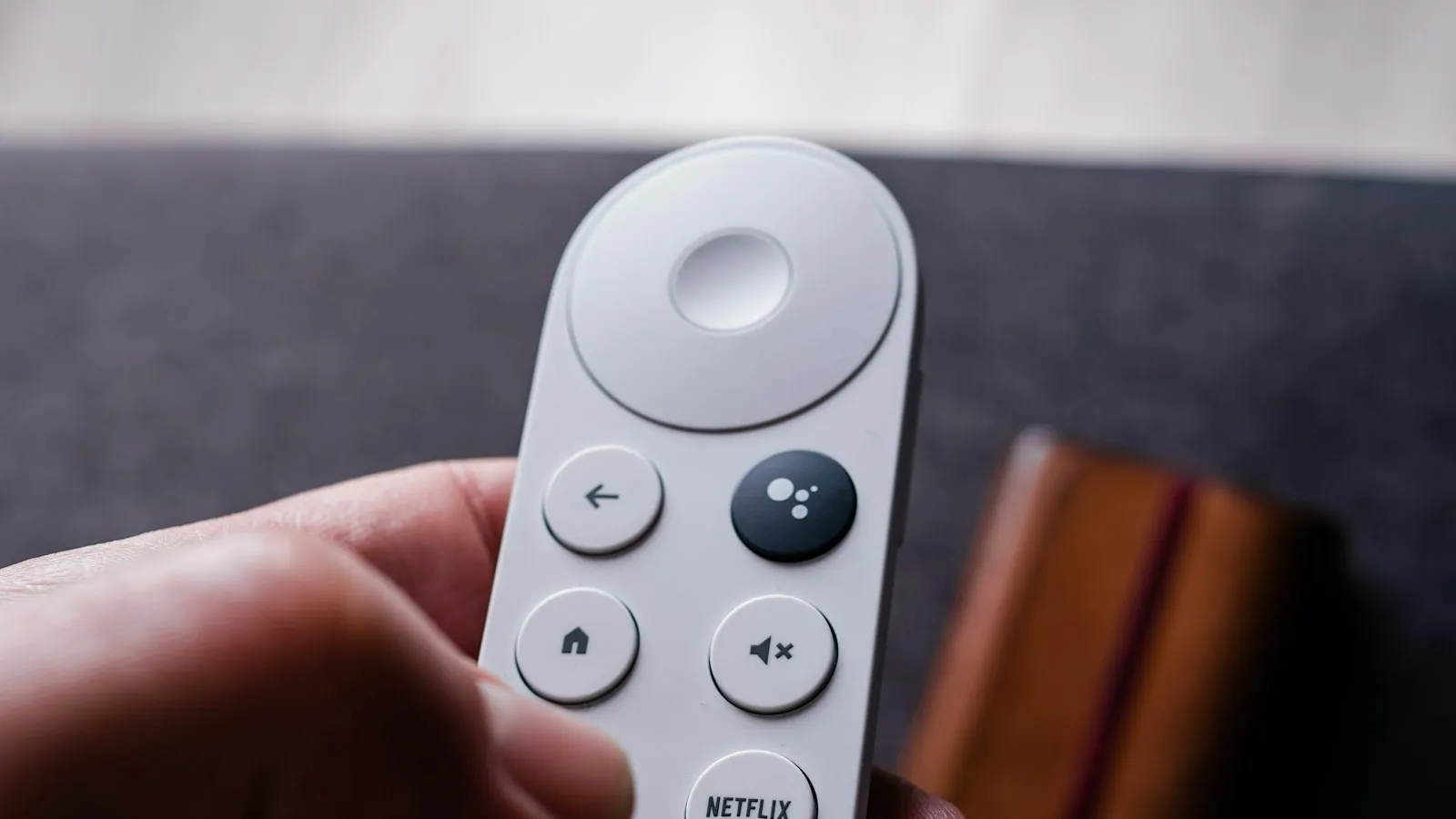
On this page
If your Roku remote stopped working after you changed the batteries, the remote has usually lost its link with the player. Remove the batteries, press any two buttons, put the batteries back (negative end first), and then pair the remote again by holding the pairing button, or Back and Home together, for about five seconds.
You swapped the batteries because the old ones were low, and now the remote does nothing. It is a frustrating moment, but it is also one of the most fixable Roku problems. In most cases nothing is broken, and the remote just needs a reset and a fresh pairing.
First, which kind of Roku remote do you have?
The fixes depend on the remote, so check which one you own:
| Remote type | How it works | What to do |
|---|---|---|
| Simple remote (no microphone or magnifying glass button) | Infrared, needs a direct line to the Roku | Check batteries and line of sight. There is nothing to pair |
| Voice remote with a pairing button (button inside the battery compartment) | Wireless, pairs with the player | Reset, then hold the pairing button for 5 seconds |
| Voice remote with no pairing button | Wireless, pairs with the player | Hold Back and Home for 5 seconds |
| Rechargeable voice remote | Wireless, charged by cable | Reset by holding the pairing button, or Back and Home, for 20 seconds |
A voice remote has a microphone or a magnifying glass button. A simple remote does not.
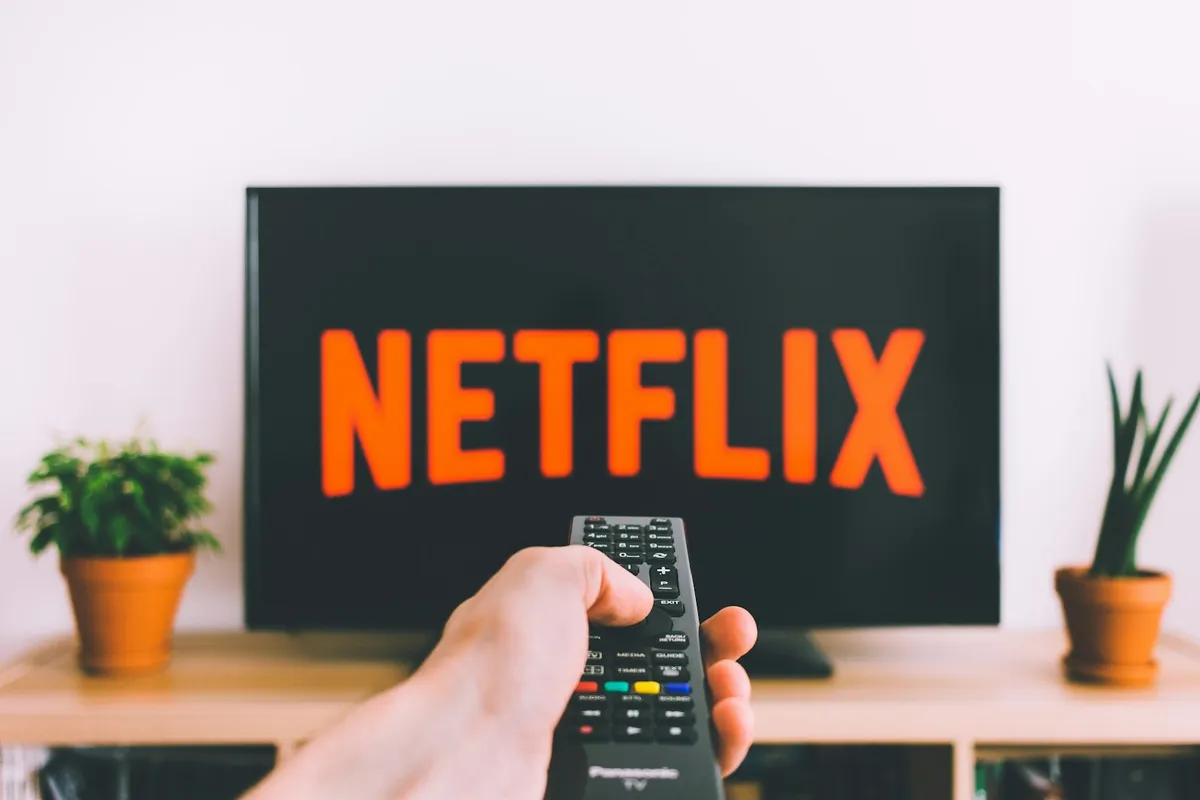
Fix 1: Reinsert the batteries the Roku way
Roku's own steps for a remote that has stopped working start here:
- Remove both batteries.
- Press any two buttons on the remote. This drains leftover charge and resets it.
- Put the batteries back in, negative end first.
- Replace the cover.
If the remote still does nothing, try a different pair of batteries, or the batteries from another remote. A brand-new battery can be dead, or one from a mixed pack can be weak. Also look at the metal contacts inside the compartment. If they are dirty or have white powder on them, clean them gently with a dry cotton swab.
Fix 2: Restart the Roku player
A restart clears small glitches in the player, and it can put the player into a state where pairing works.
- Unplug your Roku player from the power.
- Wait at least 5 seconds.
- Plug it back in and wait for the Home screen.
If your Roku is built into a TV and you can reach the TV, unplug the TV for the same time.
Fix 3: Pair a voice remote that has a pairing button
If your remote has a pairing button inside the battery compartment, do this with the remote close to the player:
- Take the cover off and make sure the batteries are in correctly.
- Hold the pairing button for 5 seconds, until the light on the remote flashes.
- Wait up to 30 seconds. A pairing message should appear on the TV.
If the light does not flash, suspect the batteries again and try another set.
Fix 4: Pair a voice remote that has no pairing button
Some newer remotes have no pairing button. Roku says to hold the Back and Home buttons together for about 5 seconds, until the light flashes, then wait for the pairing message on the TV.
If it does not work, restart the player (Fix 2), and repeat it with the remote very close to the player.
Fix 5: Do a long reset on a rechargeable remote
A rechargeable voice remote can need a deeper reset. Roku's steps are:
- Hold the pairing button for 20 seconds, or, if there is no pairing button, hold Back and Home for 20 seconds.
- Wait until the light on the remote stops flashing.
- Charge the remote for at least 5 hours with the included cable.
Plug it in and give it time. Many people give up on these after a few minutes, and a remote with a flat battery cannot pair.
Fix 6: Use the Roku app as a backup remote
You do not need the physical remote to get things done. The free Roku mobile app can act as a remote when your phone is on the same Wi-Fi network as the player. You can use it to open Settings and re-pair the remote.
If the app cannot find your Roku, the problem may be the network. Check that the phone and player are on the same Wi-Fi, and see what to do when your Wi-Fi is not working if the player will not connect at all.
Fix 7: Check for distance, obstacles and interference
Wireless remotes work from anywhere in the room, but they can still be blocked or disturbed.
- Keep the remote close to the player while you pair it.
- Move metal objects, hubs and other electronics away from the player.
- Make sure the Roku is not tucked behind a closed cabinet door or a thick TV stand.
- Simple remotes use infrared. Keep a clear line of sight and make sure nothing blocks the small sensor on the front of the player. Sunlight or a bright lamp on the sensor can also confuse it.
Fix 8: Replace the remote if nothing works
If you have reset the remote, tried other batteries, restarted the player and paired it again, and the remote still does nothing, the remote itself may have failed. Cracked buttons, a damaged board after a drop or spill, and a dead battery contact are common. Roku sells replacement remotes, and many work with older players. Choose one that is listed for your model.
Why this happens after changing the batteries
Losing the power can wipe the pairing on a voice remote, because the remote forgets which player it belongs to. That is why the problem appears right after a battery swap. It is not that the new batteries are bad, although that is the second most common cause, as new batteries can be dead or put in the wrong way around.
How to avoid it next time
- Change the batteries one at a time or quickly, and put them in the right way around.
- Keep the Roku app on your phone, so you always have a backup.
- Use good-quality batteries. Weak ones cause strange behavior long before they die.
- Remove old batteries from unused remotes, because they can leak and corrode the contacts.
- If your connection is slow in general, which can make the whole Roku feel laggy, see our guide to slow internet and what slows it down.
What the light on the remote tells you
A voice remote has a small light that shows what it is doing. Use it as a quick guide while you work through the steps:
| What the light does | What it usually means |
|---|---|
| Flashes while you hold the pairing button (or Back and Home) | The remote is in pairing mode. This is what you want to see |
| Does not light up at all | Dead, wrong-way or badly seated batteries, or dirty contacts |
| Keeps flashing and never stops | It is still trying to pair. Move closer, restart the player and try again |
| Stops flashing and the TV shows a pairing message | The pairing worked. Press a button to test |
If you never see the light flash during pairing, go back to the batteries before you try anything else. Pairing cannot work on a remote that has no power.
Roku player or Roku TV: what is different?
A Roku streaming player (a stick or a box) plugs into the TV, and you pair the remote to that player. A Roku TV has Roku built in, so the remote pairs to the TV itself.
- On a Roku player, you can restart it by unplugging the stick or box. That is the easiest reset.
- On a Roku TV, you restart by unplugging the TV from the wall for at least five seconds, and then plugging it back in.
- A Roku TV also has a physical power button, and often a few small buttons, on the TV itself. You can use them to turn the TV on and to check the input, even without any remote.
If a simple remote (no microphone button) is the one that fails, remember it is infrared. It will not pair at all, and it needs to point at the sensor on the front of the player or TV.
If only some buttons work
A remote where most buttons work but a few do not usually has a worn button or dirt under it. Try these:
- Press the button hard a few times, and see whether it clicks.
- Open the battery cover and blow gently into the gap around the buttons to clear dust.
- Wipe the remote with a barely damp cloth, and let it dry fully.
- If a spill ever reached the remote, the board may be damaged and a replacement is the simple answer.
If the buttons for volume or power are the ones that fail, check the settings that tell the remote to control the TV. In the Roku settings, there is a remote setup option for TV control, and you can run it again with the Roku app.
Which batteries should you use?
Most Roku remotes take two AAA batteries. Use fresh batteries of the same brand and age, and do not mix old and new ones. Weak batteries can give the remote just enough power to light up but not enough to send a stable signal. If you use rechargeable AAA batteries, note that some give a slightly lower voltage, and some remotes behave badly with them. If the remote acts up with rechargeables, try standard alkaline batteries.
Can you reset Roku settings without a remote?
Yes. Use the Roku app on your phone as a remote, and open the settings from there. If you cannot get the app to connect because the player is not on Wi-Fi, connect the player to the same network with an Ethernet cable if it has a port, or use the buttons on a Roku TV. Once you can reach the Home screen, you can pair the remote again.
The short version
When a Roku remote stops working after a battery change, it has usually lost its pairing. Reset it by removing the batteries and pressing two buttons, put the batteries back negative end first, restart the Roku, and pair the remote again by holding the pairing button, or Back and Home, for five seconds. Use the Roku app as a backup, and replace the remote only if every step fails.
Sources
This guide was checked against these official and manufacturer sources.
Frequently asked questions
Why did my Roku remote stop working after I changed the batteries?
A voice remote can lose its pairing when the power is cut, so it no longer talks to the player. A dead or badly seated new battery can also be the cause. Reset the remote, then pair it again.
How do I pair a Roku remote that has no pairing button?
Hold the Back and Home buttons together for about five seconds, until the light on the remote flashes. Then wait for the pairing message on the TV. Restart the Roku player first if the remote does not respond.
How long do I hold the pairing button?
Hold it for five seconds, until the light on the remote starts flashing. For a rechargeable remote that needs a full reset, Roku says to hold the pairing button, or Back and Home, for 20 seconds.
Can I use my phone as a Roku remote?
Yes. The free Roku mobile app can control a Roku player or TV when your phone is on the same Wi-Fi network. It is a good way to get into the settings and re-pair the remote.
My remote has no microphone button. Is it different?
Yes. A simple remote uses infrared and needs a clear line of sight to the Roku. It has no pairing step. If it fails, check the batteries, the line of sight, and whether the player's front sensor is blocked.

Written by
Agha Ali Abbas
Agha Ali Abbas is the founder and editor of TimeToNote. He has worked in SEO and content writing for 18 years, and he checks every guide against manufacturer documentation and official sources before it goes live.
Related guides
Internet & Apps
Why Is My Wi-Fi Not Working? How to Find the Problem and Fix It
Wi-Fi down on one device or all of them? Use this simple checklist to find out if the problem is your device, your router, or your internet provider.
8 min read
Internet & Apps
Why Is My Internet So Slow? 12 Reasons and How to Speed It Up
Slow internet? Run a quick speed test, then work through these 12 common causes, from an old router to busy evenings, with simple fixes you can try today.
9 min read
Tech Problems
Samsung TV Says Memory Full or Not Enough Storage? How to Free Up Space
Samsung TV says memory full or not enough storage and won't install apps? Delete apps, clear the cache, reset Smart Hub, or use a streaming stick instead.
6 min read
More guides you may need
Tech Problems
Samsung TV Says Memory Full or Not Enough Storage? How to Free Up Space
Samsung TV says memory full or not enough storage and won't install apps? Delete apps, clear the cache, reset Smart Hub, or use a streaming stick instead.
6 min read
Tech Problems
Why Does My Bluetooth Keep Disconnecting? 12 Fixes That Work
Bluetooth headphones, speaker, or car keep cutting out? Learn the common causes and follow these simple fixes for iPhone, Android, Windows, and Mac.
8 min read